Blog

  • Shopify Canvas & Sidekick AI in 2026: What Store Owners Should Know Before Redesigning

    Shopify Canvas & Sidekick AI in 2026: What Store Owners Should Know Before Redesigning

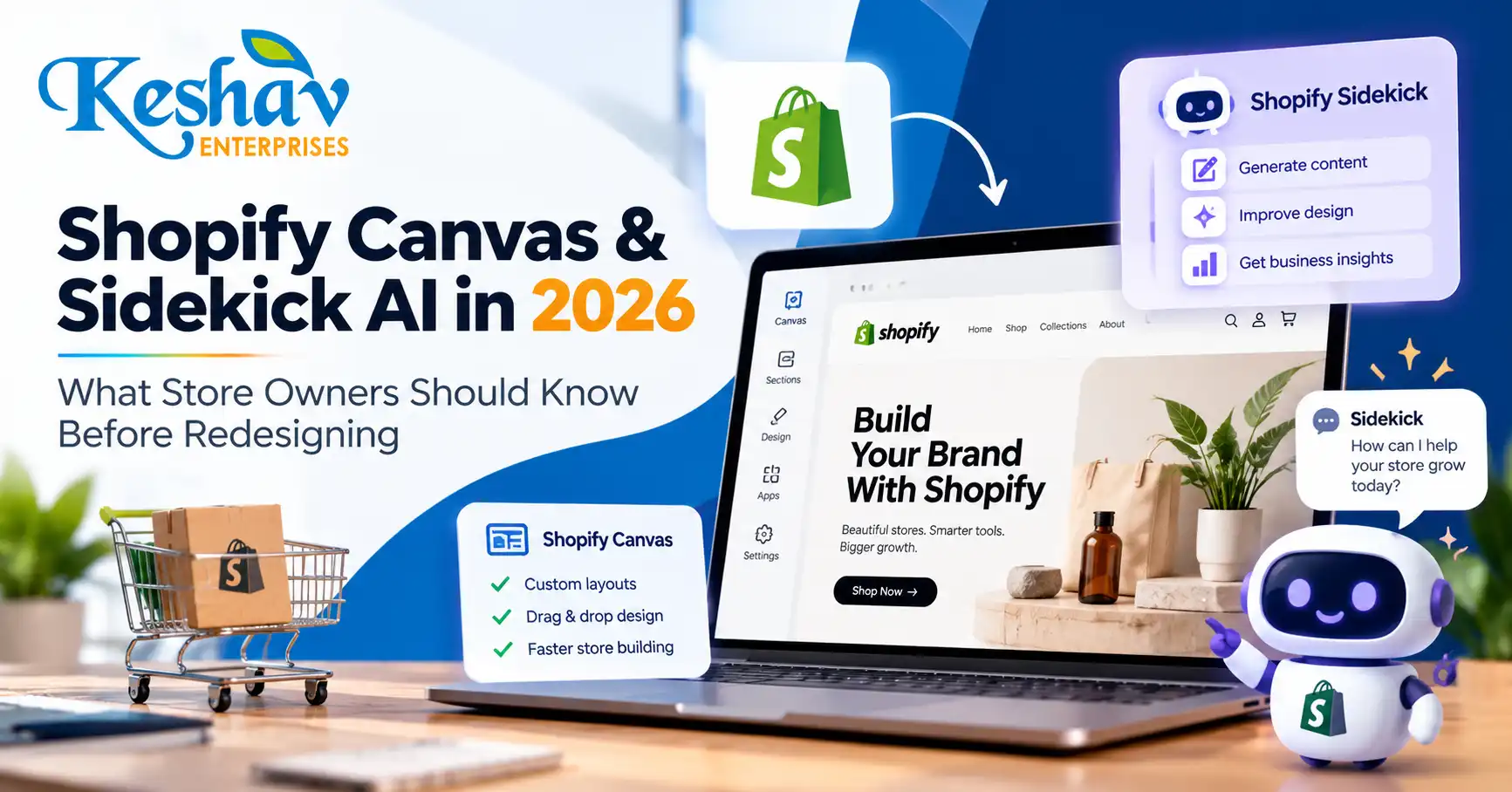
    Shopify Canvas is a new AI-assisted store-design workspace announced on 1 October 2026. It lets eligible merchants see multiple theme templates together, make visual changes and ask Shopify’s Sidekick assistant to help build or refine storefront layouts. For business owners, the opportunity is faster experimentation; the risk is publishing a visually attractive store that still has weak product discovery, mobile usability or conversion tracking.

    This guide explains what Shopify has actually announced, how Canvas differs from the familiar theme editor, where AI helps, what still needs human review and how ecommerce teams in India and Delhi NCR can prepare without assuming early-access features are already available to every store.

    Quick answer: what is Shopify Canvas and Sidekick AI?

    Shopify Canvas is a theme-design interface that displays store templates side by side and supports changes through direct editing or conversational instructions to Sidekick AI. Merchants can use it to create a theme, work on a copy of an existing theme and review coordinated changes before publishing. Shopify says Canvas is in early access, so availability depends on store eligibility and rollout.

    Shopify introduced Canvas on 1 October 2026. Read the official product announcement and the Canvas navigation guide for the latest product instructions.

    Why the October 2026 launch matters for ecommerce businesses

    Most online stores are made of interconnected templates: home, collection, product, search, cart and content pages. Editing them separately can produce inconsistent typography, spacing and promotional messaging. Canvas introduces a broader design view so teams can consider those pages together instead of treating each template as an isolated screen.

    Shopify describes Sidekick as an assistant that can make coordinated theme changes. That can shorten the time between an idea and a reviewable storefront, but it does not remove the need for merchandising decisions, brand judgment, accessibility testing, SEO checks or real customer research.

    The practical question for a merchant is not “Can AI design my store?” It is “Can the new workflow help us make changes that improve product discovery and purchases without breaking what already works?”

    Shopify Canvas vs the traditional theme editor

    Area Traditional Shopify theme editor Canvas with Sidekick
    Design perspective Often works on one page or template at a time Displays multiple templates in a broader workspace
    Editing Manual settings, sections and blocks Manual editing plus conversational AI assistance
    Cross-template consistency Requires deliberate checking across templates Helps review connected templates together
    Customization Theme settings and development where needed Sidekick can help implement coordinated theme changes
    Availability Widely available on supported themes Early access; not every store has Canvas
    Quality assurance Still required Still required; AI output needs review

    Canvas is a new way to work on Shopify themes, not a replacement for ecommerce strategy, checkout configuration, product information or analytics.

    What can merchants use Canvas for?

    1. Create a more consistent storefront

    Review the homepage, collections and product templates together. Align heading styles, button labels, spacing, color usage and product imagery so the experience feels like one brand.

    2. Explore a new theme direction before going live

    Use a copy or a new theme as the working environment. Test whether the proposed design supports the store’s catalog, promotional calendar and mobile shopping journey before replacing the published theme.

    3. Ask Sidekick for structured changes

    Instead of asking for “a premium website,” provide a precise brief: improve the mobile collection navigation, clarify size information on product pages, reduce competing calls to action and keep existing product data intact. Clear requirements make AI-assisted editing more reviewable.

    4. Coordinate templates rather than creating one-off sections

    A promotional banner that works on the homepage may need a different layout on a collection page. A consistent design system can guide variations without duplicating the same section everywhere.

    What Shopify Canvas cannot guarantee

    Canvas does not guarantee better SEO, higher conversion rates, faster loading or lower development costs. Those outcomes depend on the changes made, existing theme quality, third-party apps, catalog structure, image weight, mobile behavior and measurement.

    • SEO: A new visual layout does not automatically create better search intent coverage or structured data.
    • Conversions: Attractive layouts can still hide product information or add checkout friction.
    • Performance: Extra scripts, videos and oversized assets can slow a redesigned store.
    • Accessibility: Contrast, keyboard behavior, labels and focus states require testing.
    • Availability: Canvas is not yet accessible to every merchant.

    Shopify’s help documentation describes Canvas as early access and available only to selected stores. Avoid planning a launch around a feature until it appears in your own admin.

    How to check whether your Shopify store has Canvas

    Shopify’s documentation says eligible merchants can access Canvas from the Themes area in Shopify admin. Depending on the theme, you may see options to create a new theme, duplicate a supported theme in Canvas or edit a theme with a Canvas badge.

    1. Open your Shopify admin and go to Online Store → Themes.
    2. Look for a Canvas option or a supported theme carrying the Canvas badge.
    3. Read the eligibility and early-access notes shown in your admin.
    4. Work on a duplicate or unpublished theme when testing a substantial redesign.
    5. Review mobile and desktop previews before publishing.

    If the option is missing, it may simply not have rolled out to your store. Shopify has not stated that every merchant receives access immediately.

    Seven checks to run before an AI-assisted Shopify redesign

    1. Audit product discovery

    Can customers find the right product within a few steps? Review collections, filters, search suggestions, variant labels and the path from campaign landing page to product detail.

    2. Define conversion goals

    Choose measurable outcomes: product-page engagement, add-to-cart rate, checkout completion, qualified enquiries or average order value. Do not evaluate a redesign on appearance alone.

    3. Protect SEO-critical URLs

    Keep existing product and collection URLs unless a change is necessary. If slugs change, plan appropriate redirects. Preserve useful page titles, descriptions, headings, canonical signals and internal links.

    4. Review mobile behavior first

    Check menus, sticky purchase buttons, product galleries, variant selectors, filters and form fields on common mobile widths. A desktop-perfect theme can still be difficult to buy from on a phone.

    5. Measure Core Web Vitals

    Use field data and repeatable lab tests. Focus on Largest Contentful Paint, Interaction to Next Paint and Cumulative Layout Shift. Re-test after introducing new animations, apps, fonts or large hero assets.

    6. Confirm analytics continuity

    Before publishing, verify ecommerce events, attribution, consent behavior and ad-platform integrations. If conversion events disappear after a redesign, the team loses the ability to assess its impact.

    7. Create a rollback plan

    Keep a known-good theme copy, document app dependencies and define a launch checklist. A controlled rollout is more useful than an irreversible visual overhaul.

    Example Sidekick prompts that are actually useful

    A good prompt describes the audience, the page, the problem and the constraints. For example:

    Improve our mobile product page for first-time shoppers. Keep existing product information, variant functionality, reviews and tracking. Make size selection easier to understand, bring delivery and returns information closer to the purchase button, and preserve our current brand colors.

    Review our homepage and collection templates for inconsistent spacing and button styles. Propose a unified design system and implement changes on an unpublished theme copy. Do not remove product filters or change live URLs.

    Redesign the collection page for a 150-product catalog. Prioritize mobile filtering, visible prices, clear product imagery and quick access to bestsellers. Keep the layout lightweight and accessible.

    These prompts are examples of how to frame a design brief, not a guarantee that every requested operation is supported in a particular store’s current Canvas release.

    How Shopify Canvas affects SEO and AI-search readiness

    Shopify Canvas is primarily a design workflow. Search visibility still depends on accessible, useful content and a sound technical implementation. During redesign, check whether collection descriptions remain readable, product pages answer buying questions, images have meaningful alt text and navigation links are crawlable.

    For answer engines and AI-assisted discovery, useful product information matters more than repeated AI-related keywords. Explain materials, sizes, compatibility, delivery coverage, returns and important product limitations in clear language. Structured data should accurately reflect visible product information, and merchant feeds should stay synchronized.

    For stores selling into different countries, avoid inventing location pages or claiming local delivery that is not available. If your business operates in Delhi NCR, focus on real shipping, service and customer-support details rather than keyword-stuffed city references.

    Need implementation support? Explore Shopify development in Delhi and ecommerce website development.

    Should you redesign your Shopify store now or wait?

    Your situation Practical next step
    Store has poor mobile UX or confusing navigation Audit and improve those issues now, with or without Canvas
    Theme is stable and conversions are healthy Test focused changes rather than a full redesign
    Canvas is available in your admin Try it on an unpublished theme and compare outcomes
    Canvas is not available Use the existing theme editor or development workflow
    Store relies on complex apps and custom checkout flows Audit compatibility before changing theme architecture
    Team lacks clear brand or product content Fix messaging, catalog and design brief before automation

    30-day Shopify redesign plan for small and growing brands

    Week 1: baseline and requirements

    Record traffic, conversion, revenue, top landing pages, mobile usability issues and key customer questions. Capture the current theme and app configuration.

    Week 2: design and content

    Build a clear design brief. Improve category labels, product content, visual hierarchy and trust information. If Canvas is available, test AI-assisted ideas on a separate theme.

    Week 3: development and quality assurance

    Test navigation, search, filters, variants, cart, payments, mobile layouts, accessibility, speed and analytics. Compare the new theme with the baseline.

    Week 4: controlled launch and measurement

    Publish only after critical checks pass. Monitor checkout errors, conversion changes, traffic and page performance. Keep a rollback path and prioritize fixes based on evidence.

    These four weeks are a planning example, not a universal project timeline. Larger catalogs and complex integrations can require more time.

    What should Delhi NCR businesses consider?

    For a Delhi, Noida, Gurgaon or Ghaziabad brand, an AI-assisted design tool is most useful when it supports actual buying behavior. Ask whether customers need COD clarity, delivery estimates, local language support, GST invoice details, product comparisons or easy access to customer service. The right requirements vary by product category and fulfillment model.

    A local agency can help connect design, theme development, SEO and analytics, but the important deliverable is a tested buying experience—not simply a fashionable AI-generated storefront. Keshav Enterprises offers UI/UX design support and Shopify implementation based on the store’s requirements.

    Frequently asked questions about Shopify Canvas

    When did Shopify launch Canvas?

    Shopify announced Canvas on 1 October 2026 and described a phased rollout over the following days.

    Is Shopify Canvas available to every store?

    No. Shopify’s help center currently describes it as an early-access feature available to selected stores.

    Is Canvas the same as Sidekick?

    No. Canvas is the store-design workspace; Sidekick is Shopify’s AI assistant that can help propose and implement theme changes within that workflow.

    Can Sidekick create a custom Shopify theme?

    Shopify describes theme creation and coordinated editing with Sidekick. The exact actions available depend on eligibility, theme compatibility and the current product release.

    Does Canvas replace a Shopify developer?

    Not necessarily. Merchants may be able to make more changes themselves, but custom integrations, unusual workflows, debugging, accessibility and complex conversion problems can still require development expertise.

    Will using Canvas improve Google rankings?

    Not automatically. Rankings depend on content relevance, crawlability, page quality, technical SEO and many other signals. A redesign can help or hurt depending on implementation.

    Can I use Canvas for an existing store?

    Shopify describes workflows for editing supported themes and working on theme copies. Check your admin and the latest help documentation for eligibility.

    Should I redesign my entire store at once?

    Usually start with the most important customer journey and measure improvements. A full redesign makes sense when the current structure or design system creates widespread problems.

    Can Canvas help with mobile design?

    It can help you review and edit theme layouts, but mobile usability still needs hands-on testing across device widths and customer journeys.

    What is the safest way to try AI-assisted changes?

    Use an unpublished theme or duplicate, document changes, test checkout and analytics, and publish only after quality assurance.

    Final takeaway

    Shopify Canvas and Sidekick AI make store-design experimentation more accessible, but they do not replace clear strategy and careful testing. The strongest ecommerce redesign combines a coherent visual system, useful product information, fast mobile pages, dependable checkout and measurement. Start with the problems customers face, then decide whether Canvas is the right tool to solve them.

    If you are planning a new store or redesign, contact Keshav Enterprises with your store URL, platform details, top conversion problems and target market. We can help define a practical Shopify design and development scope.
  • Why Your Website Is Not Indexed on Google in 2026: 15 Fixes for React, Next.js & WordPress

    Why Your Website Is Not Indexed on Google in 2026: 15 Fixes for React, Next.js & WordPress

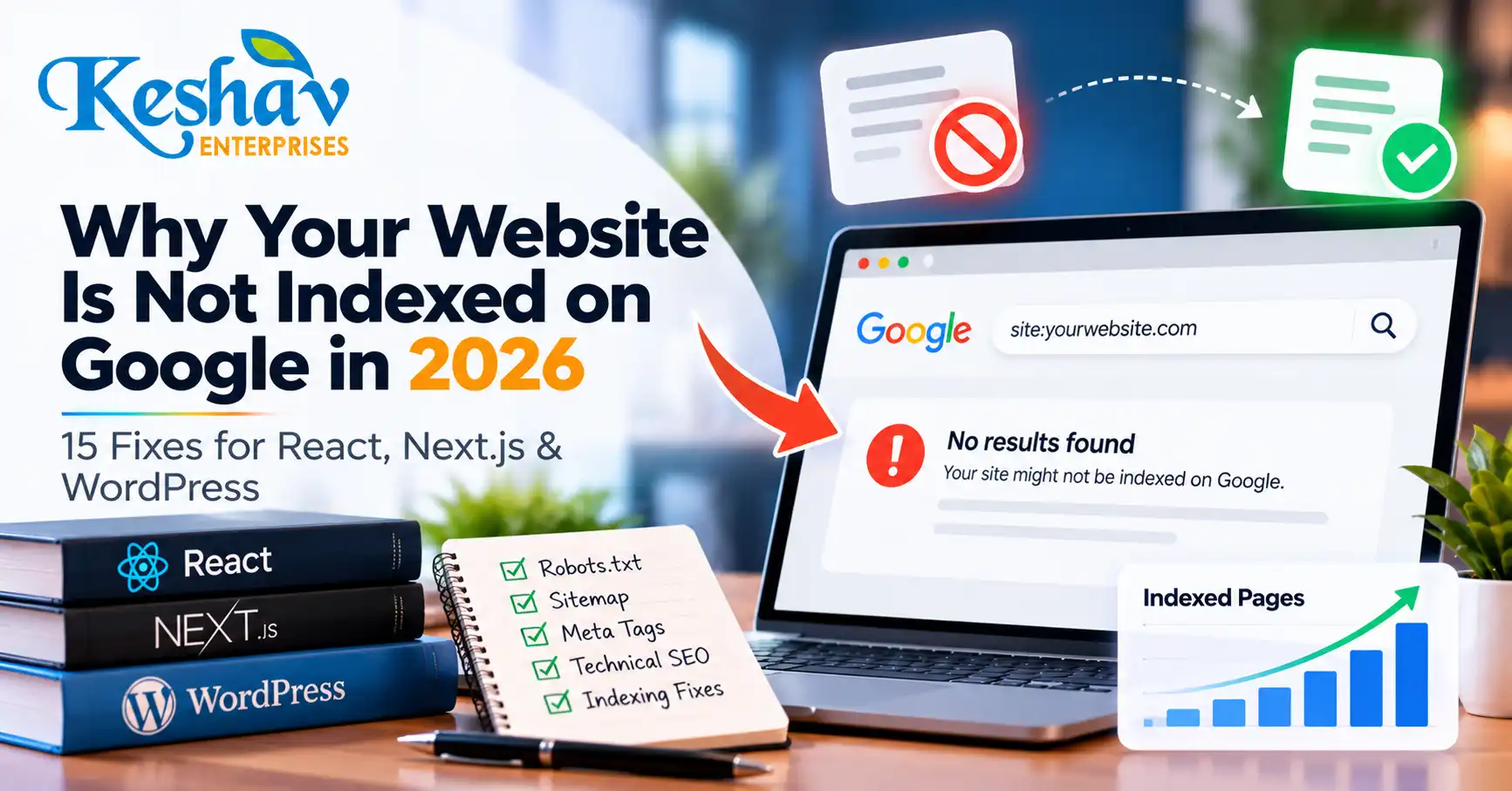
    If your website is not indexed on Google, the first task is diagnosis—not repeatedly clicking “request indexing.” A page can fail to appear because the public URL does not exist, the server returns the wrong status, Google is blocked, the canonical points elsewhere, the page is missing from the sitemap, JavaScript fails to render, or the content adds too little unique value.

    This 2026 guide explains how to diagnose indexing problems on React, Next.js and WordPress websites, with special attention to headless setups where WordPress manages content but a separate frontend serves the public page.

    Quick answer: why is my website not indexed on Google?

    The most common causes are: Google has not discovered the URL yet, the page cannot be crawled, the page contains noindex, the canonical points to another URL, the public route is broken, JavaScript prevents important content from rendering, the page is weak or duplicated, or Google has crawled the page but chosen not to index it.

    Start by checking the exact public URL in Google Search Console URL Inspection. Then verify the live HTTP status, rendered HTML, canonical, robots directives, sitemap inclusion and internal links.

    Understand the difference between discovery, crawling and indexing

    Stage What it means What to check
    Discovered Google knows the URL exists Sitemap, internal links, feeds and references
    Crawled Google fetched the page Status code, robots rules, rendered content
    Indexed Google stored the page as eligible for search Canonical, content value, duplication and quality
    Ranking The indexed page appears for relevant queries Search intent, relevance, authority, UX and competition

    These stages are different. A page may be crawled but not indexed, or indexed but receive no meaningful impressions.

    1. Confirm that the public URL actually exists

    For a normal published article, the public URL should usually return HTTP 200. A 404, 500, redirect loop, timeout or soft-404 style response can prevent normal indexing.

    On a headless WordPress setup, publishing a post in the CMS does not automatically prove that the frontend route exists. Your React or Next.js application still needs to fetch the post, resolve its slug and serve a working public URL.

    2. Check whether the page has a noindex directive

    Look for:

    • <meta name="robots" content="noindex">
    • <meta name="googlebot" content="noindex">
    • An X-Robots-Tag: noindex HTTP header
    • SEO plugin settings that mark the page as non-indexable
    • Environment-specific rules accidentally carried from staging

    Google’s noindex documentation explains that Google must be able to crawl a page to see its page-level noindex directive.

    3. Make sure robots.txt is not blocking essential crawling

    A robots.txt file controls crawling, not indexing in the same way as noindex. Check the public domain’s robots file for broad rules such as:

    User-agent: *
    Disallow: /blog/
    

    Also consider CDN, firewall or security rules that may block Googlebot even when robots.txt appears correct.

    4. Verify the canonical URL

    A canonical tells Google which URL you prefer when similar versions exist. On headless websites, one of the most damaging mistakes is to point the public page to the backend WordPress URL.

    For a public blog article, the canonical should normally match the intended frontend URL. Google may still choose a different canonical if signals conflict, so keep these consistent:

    • Canonical tag
    • Internal links
    • Sitemap URL
    • Redirects
    • HTTP/HTTPS version
    • www/non-www version

    Google’s canonical troubleshooting guidance is useful when the selected canonical differs from your preference.

    5. Check whether the page appears in your XML sitemap

    A sitemap helps Google discover canonical URLs you want considered for search. It does not guarantee indexing, but missing pages can slow discovery on websites where internal linking is weak.

    For React or Next.js sites, confirm that the frontend sitemap updates after WordPress publishes a new post. A backend WordPress sitemap is not enough if the canonical public URLs live on another host.

    Google recommends using fully qualified canonical URLs in sitemaps. See the official sitemap documentation.

    6. Make sure important content is available after rendering

    Google can render JavaScript, but JavaScript-heavy applications add extra failure points. Google’s own documentation describes crawling, rendering and indexing as separate stages for JavaScript pages.

    • The initial HTML contains only an empty app shell.
    • The content API fails during rendering.
    • Authentication blocks the API.
    • Important text appears only after user interaction.
    • JavaScript errors prevent the article from loading.
    • Client-side routing serves the wrong status code.

    Google recommends server-side rendering or pre-rendering as a strong option because it makes content easier to access for users and crawlers. Review the JavaScript SEO basics.

    7. Check whether the Next.js or React route supports new WordPress slugs

    A headless publishing system usually needs a route such as /blog/[slug]/. Confirm that:

    • Published posts are returned by the API.
    • The slug query matches WordPress exactly.
    • Draft filters do not accidentally hide published content.
    • Static builds are revalidated after publication.
    • CDN caches are refreshed when required.
    • The route returns the correct status if the post does not exist.

    If your site requires a full redeploy every time a WordPress post is published, that dependency should be documented and automated safely.

    8. Verify title, description and canonical in the public HTML

    SEO metadata stored inside WordPress does not automatically appear on a separate frontend. Your React or Next.js application must retrieve and render the intended metadata.

    • Unique title
    • Meta description
    • Canonical URL
    • Robots directives
    • Open Graph title and image
    • Article structured data where appropriate

    If the frontend ignores WordPress SEO fields, fixing metadata in the CMS alone will not solve the public page.

    9. Improve internal discoverability

    Every important article should be reachable through crawlable internal links. Add it to the main blog listing, a relevant category page, related articles, and relevant service pages where editorially appropriate.

    A technical SEO guide can naturally support the SEO services page, while a website rendering problem may relate to website development support.

    10. Look for duplicate or near-duplicate pages

    If multiple pages answer the same question with slightly different wording, Google may choose one representative URL or decide that some pages add little new value.

    • Does this page serve a distinct search intent?
    • Does it contain unique examples or guidance?
    • Is there already another page answering the same question?
    • Would updating the existing page be better than creating a new URL?

    11. Improve thin or generic content

    There is no minimum word count that guarantees indexing. A long article can still be weak if it repeats generic information.

    • A direct answer near the top.
    • Specific diagnostic steps.
    • Clear examples.
    • Original checklists.
    • Primary-source references.
    • Relevant internal links.
    • Useful FAQs.

    12. Check server reliability and crawl access

    If Googlebot repeatedly encounters timeouts, 5xx responses or blocked resources, indexing can suffer. Monitor server logs, CDN errors, API uptime, firewall rules, DNS issues and rate limiting.

    13. Understand “Discovered – currently not indexed”

    This generally means Google knows the URL but has not indexed it yet. Check whether the page is new, internal linking is weak, the site publishes large volumes of low-value URLs, or the page has limited unique value.

    14. Understand “Crawled – currently not indexed”

    This means Google has fetched the page but has not added it to the index at that time. Focus on content uniqueness, canonical consistency, duplication, usefulness, site quality and internal linking.

    15. Do not confuse indexing with ranking

    A page can be indexed and still receive no clicks. Once Search Console confirms indexing, shift the diagnosis toward search intent, keyword relevance, title and snippet quality, topical authority, competition, internal links and conversion experience.

    Headless WordPress + React/Next.js indexing checklist

    Check Expected result
    WordPress status Post is published
    API response Published post is available without authentication
    Frontend route Public URL returns HTTP 200
    Rendered content Main article text is available reliably
    Canonical Points to the public frontend URL
    Robots No unintended crawl or index block
    Sitemap Public canonical URL is included
    Internal links Article is linked from blog and related pages
    Search Console Exact public URL is inspected and monitored

    A practical 7-day indexing diagnosis workflow

    Day 1: technical validation

    Check HTTP status, canonical, robots directives, rendered content and page source.

    Day 2: discovery

    Verify sitemap inclusion and internal links from the blog archive or relevant pages.

    Day 3: Search Console inspection

    Record the exact indexing verdict. Distinguish unknown, discovered, crawled and indexed states.

    Days 4–5: fix the actual cause

    Resolve canonical conflicts, rendering failures, noindex rules, broken routes, duplicate content or weak internal links.

    Days 6–7: monitor changes

    Recheck the live page and Search Console. If the page is technically healthy, focus on usefulness and discovery rather than repeated submission attempts.

    This is a diagnostic workflow, not a promise that Google will index a page within seven days.

    Frequently asked questions

    Why is my WordPress blog published but not showing on Google?

    Publishing in WordPress makes the post available in the CMS. Google still needs a crawlable public URL. On headless sites, the React or Next.js frontend must also create and serve the route correctly.

    Does submitting a sitemap guarantee indexing?

    No. A sitemap helps Google discover preferred URLs, but it does not guarantee crawling, indexing or ranking.

    Does Request Indexing guarantee Google will index the page?

    No. URL Inspection can help Google recrawl a page, but indexing decisions remain automated and are not guaranteed.

    Can JavaScript prevent Google from seeing my content?

    Yes. Google can render JavaScript, but failed API calls, blocked resources, client-side errors or delayed rendering can stop important content from being available reliably.

    Should a React website use server-side rendering for SEO?

    Server-side rendering or pre-rendering can reduce dependence on client-side rendering and make important content easier for crawlers and users to access.

    Can a wrong canonical prevent the correct page from appearing?

    Yes. Conflicting canonical signals can cause Google to prefer a different URL.

    What does “URL is unknown to Google” mean?

    It means Search Console does not currently have indexing information for that URL. Verify the route, sitemap and internal discovery, then monitor the URL.

    What should I do if Google crawled the page but did not index it?

    Review content uniqueness, canonicalization, duplication, usefulness and the site’s overall quality.

    Can schema force Google to index a page?

    No. Structured data can help describe eligible content but cannot override indexing problems or Google’s decision not to include a URL.

    When should I get technical SEO help?

    If the problem involves rendering, headless CMS integration, inconsistent canonical signals, server errors or persistent indexing issues across many pages, a combined developer and technical SEO review is usually more efficient.

    Final takeaway

    If your website is not indexed on Google, diagnose the complete publishing chain. For headless websites, that means WordPress, the content API, the React or Next.js route, rendered HTML, canonical URL, sitemap, internal links and Search Console all need to agree on the same public page.

    Keshav Enterprises works across technical SEO, React/Next.js development, WordPress and local search. If you want an indexing or website audit, send your website and affected URLs for review.

  • Google AI Mode SEO in 2026: How Delhi NCR Businesses Can Win Visibility in AI Search

    Google AI Mode SEO in 2026: How Delhi NCR Businesses Can Win Visibility in AI Search

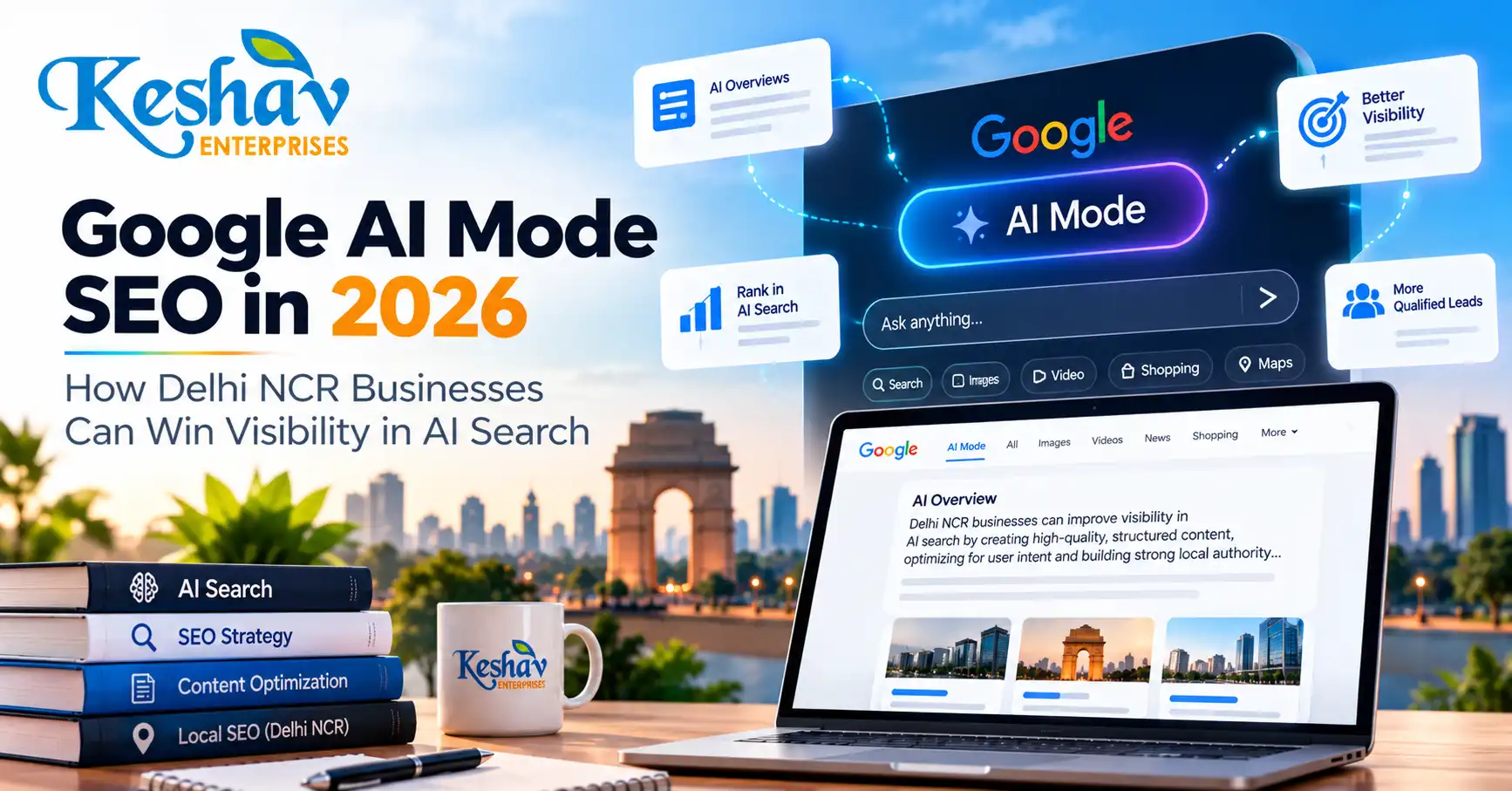
    Google AI Mode SEO in 2026 is not a separate trick or a new type of markup. For businesses in Delhi NCR, the strongest approach is still to build technically accessible pages, publish original and useful answers, make the business entity clear, connect related pages with sensible internal links, and measure whether search visibility produces qualified enquiries.

    The difference in 2026 is that more users are asking longer, more conversational and comparison-heavy questions inside Google Search. AI Overviews and AI Mode can surface supporting links from pages that answer different parts of those questions. That creates an opportunity for businesses that explain their services clearly instead of publishing repetitive keyword pages.

    This guide explains what has actually changed, what Google currently recommends, how local businesses should adapt, and how to measure AI-search visibility without relying on unsupported promises.

    Quick answer: how do you optimize for Google AI Mode in 2026?

    To improve your eligibility for Google AI Mode and AI Overviews, make sure important pages are crawlable and indexable, answer real customer questions directly, publish unique evidence-based content, use descriptive internal links, keep business information consistent, and make important text available in the page content. Google states that its existing SEO best practices continue to apply to AI features and that there is no special AI-specific schema required.

    Google’s current guidance is available in its AI features and your website documentation.

    What changed in Google AI search during 2026?

    Google has continued expanding guidance and measurement around generative search. In May 2026, Google published a new resource focused specifically on optimizing for generative AI experiences while reiterating that useful, original content and normal SEO fundamentals remain the foundation. In June 2026, Google introduced dedicated Search Generative AI performance reporting, and Google stated that these insights had rolled out worldwide by August 31, 2026.

    That means businesses can now approach AI search with better measurement than before. Instead of treating “AI visibility” as a vague agency metric, teams can increasingly connect search visibility with actual impressions, visits, engagement and conversions.

    See Google’s 2026 generative AI optimization resource announcement and its Search Generative AI performance reporting announcement.

    AI Mode SEO vs traditional SEO: what is different?

    Area Traditional search AI-assisted search What businesses should do
    Queries Often shorter and keyword-led More conversational, multi-step and comparative Answer complete questions and decision points
    Discovery Classic search results and rich features Generated answers with supporting sources Create pages that are useful as standalone sources
    Content depth One page may target one main topic Different pages may support different sub-questions Build focused topic clusters instead of duplicate pages
    Technical eligibility Pages need to be crawlable and indexable The same requirement still applies Fix rendering, canonical, sitemap and robots issues first
    Measurement Clicks, impressions, rankings and leads Dedicated generative AI visibility is increasingly measurable Connect visibility with qualified business outcomes

    1. Start with indexability before thinking about AI visibility

    A page that Google cannot crawl or index is not a strong candidate for AI-assisted visibility either. This is especially important for businesses using React, Next.js or headless WordPress.

    • The public URL returns HTTP 200.
    • The main text is available reliably to crawlers.
    • The canonical points to the intended public URL.
    • There is no accidental noindex.
    • Robots rules do not block required crawling.
    • The page appears in the correct sitemap.
    • The page is linked internally from relevant sections.
    • The visible title, headings and metadata describe the same topic.

    If your current website has technical or rendering problems, start with a website development and technical review before scaling content production.

    2. Build content around complete customer questions

    AI-assisted search is useful for queries that previously required several separate searches. A business owner might ask:

    • “Should I invest in SEO or Google Ads first for a new clinic in Delhi?”
    • “How do I improve Google Maps visibility without creating fake location pages?”
    • “Why is my React website indexed slowly even though the WordPress backend has published posts?”
    • “What should I check before hiring an SEO company in Delhi NCR?”

    These are not just keywords. They are decisions. Strong content explains the trade-offs, gives a direct answer early, then expands with examples, limitations and the next action.

    3. Avoid publishing five pages that answer the same question

    One of the easiest ways to weaken a content strategy is to create multiple near-duplicate articles around the same intent. Instead, build a topic cluster in which each page has a distinct purpose:

    • A core SEO services page for commercial intent.
    • A practical AI Mode guide for emerging search behavior.
    • A local SEO guide for map and location-based discovery.
    • A technical indexing guide for React, Next.js and WordPress sites.
    • A comparison article when users need to choose between SEO and paid acquisition.

    4. Strengthen entity clarity

    AI systems and customers both benefit from consistent information about who the business is, what it offers, where it operates and how people can contact it.

    • Keep company name, services and contact details consistent.
    • Explain which markets are genuinely served.
    • Use real project examples only when they can be verified.
    • Clarify what is included and excluded in each service.
    • Support technical claims with primary sources.

    5. Use clear answer-first writing for AEO and AI retrieval

    A useful section should still make sense when extracted from the rest of the article. A practical structure is:

    1. Question-based heading.
    2. Two- or three-sentence direct answer.
    3. Supporting explanation.
    4. Example or comparison.
    5. Relevant internal link or next action.

    6. Create original information that deserves to be cited

    Google’s guidance for AI search emphasizes unique, valuable content rather than commodity text. Useful original value can include:

    • Actual service process.
    • Real technical checklists used during delivery.
    • Original diagrams or screenshots.
    • Clear comparisons between options.
    • Common implementation mistakes.
    • Verified project examples when permission exists.

    Do not invent case studies, testimonials, traffic increases or client results just to make an article look authoritative.

    7. Support text with useful images and visuals

    Google’s AI-search guidance recommends supporting textual content with high-quality images and video where appropriate. A strong featured image should match the article rather than being reused across unrelated posts.

    • Create a unique visual for the article topic.
    • Use a descriptive filename.
    • Add meaningful alt text.
    • Compress the asset for web performance.
    • Avoid keyword stuffing in alt text.

    8. Treat local SEO as part of AI discovery

    Local businesses still need accurate business information, genuine reviews, appropriate service-area content and a useful Google Business Profile. AI search does not replace these fundamentals.

    For a deeper local strategy, read the Local SEO for Delhi Businesses guide or explore local SEO services in Delhi NCR.

    9. Use structured data to clarify content, not to “hack” AI search

    Structured data can help search systems understand content, but it must accurately match what users can see. Google states that there is no special AI-specific schema required for AI Overviews or AI Mode.

    10. Measure AI-search visibility with real business metrics

    In 2026, measurement is becoming more useful because Search Console now provides dedicated generative AI visibility reporting. Track:

    • Generative AI impressions where available.
    • Organic landing-page clicks.
    • Qualified enquiries.
    • Conversion rate by landing page.
    • Search queries with commercial or problem-solving intent.
    • Pages gaining impressions but weak CTR.
    • Pages that remain unindexed after publication.

    11. Build internal links that reflect topic relationships

    Internal links should help a reader continue the journey. Use descriptive anchors and avoid linking the same commercial keyword repeatedly across every article.

    12. Improve conversion experience after the click

    More visibility is not useful if a visitor cannot understand what to do next. Every high-intent page should make the next step obvious through mobile readability, clear service scope, trust-building information, visible enquiry options and simple forms.

    A 30-day Google AI Mode SEO action plan

    Week 1: technical and indexing audit

    • Check status codes, canonical tags and robots directives.
    • Review sitemap coverage.
    • Inspect important URLs in Search Console.
    • Test rendered content on JavaScript-heavy pages.

    Week 2: improve commercial pages

    • Rewrite vague introductions.
    • Add direct answers to common buying questions.
    • Clarify service scope and locations served.
    • Improve CTA placement.

    Week 3: publish one genuinely distinct guide

    • Choose a question customers actually ask.
    • Use primary sources where factual claims matter.
    • Create a unique topic-specific image.
    • Link to related service and educational pages.

    Week 4: measure and refine

    • Review Search Console performance.
    • Check generative AI visibility where available.
    • Identify low-CTR pages.
    • Review indexing issues.

    Frequently asked questions

    Is Google AI Mode SEO different from normal SEO?

    The fundamentals are largely the same. The practical difference is that users are asking more complex questions, so content should answer complete problems rather than only target short keywords.

    Do I need special schema for Google AI Mode?

    No. Google says there is no special schema.org markup required for AI Overviews or AI Mode.

    Can a small Delhi business appear in AI Overviews?

    Potentially, yes. Eligibility depends on the page being indexed and eligible for Google Search with a snippet. Inclusion is not guaranteed.

    Does AI Mode use only pages ranking in the top 10?

    Google does not describe AI Mode as simply copying the classic top ten results. AI features can use related searches and supporting sources across subtopics.

    How should I measure AI search traffic?

    Use Search Console’s generative AI visibility reporting where available, combine it with normal Search performance, and track enquiries, engagement and conversions.

    Can AI-generated content rank?

    The important issue is quality, originality and usefulness rather than whether a tool assisted with drafting.

    Do local SEO and AI SEO work together?

    Yes. Accurate local information, relevant service pages, genuine reviews and strong local content can support overall search understanding.

    Should every service page mention “AI SEO”?

    No. Add AI-search information only where it helps the reader.

    What should I fix first if my website has weak AI visibility?

    Start with crawlability, indexability and content quality.

    How can Keshav Enterprises help?

    Keshav Enterprises can review technical SEO, content structure, local SEO, React/Next.js implementation and conversion flow for businesses across Delhi NCR.

    Final takeaway

    Google AI Mode SEO in 2026 is best treated as an evolution of search, not a replacement for SEO fundamentals. Businesses that make their websites technically reliable, publish original decision-support content, maintain clear entity information and measure real outcomes are in a stronger position across classic search and AI-assisted search.

    If you want a practical review of your current website, contact Keshav Enterprises with your website, target services and priority markets.

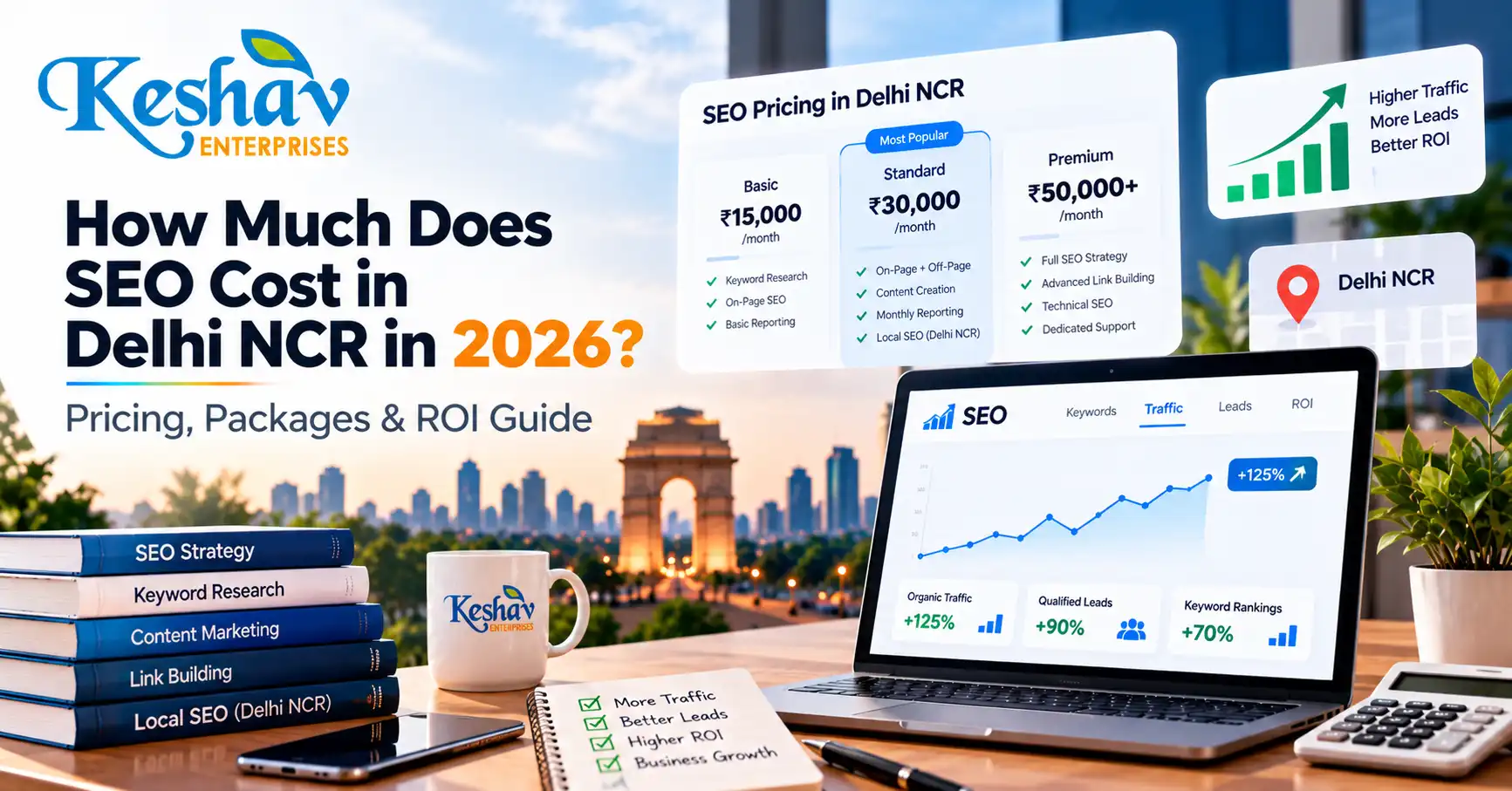
  • How Much Does SEO Cost in Delhi NCR in 2026? Pricing, Packages & ROI Guide

    How Much Does SEO Cost in Delhi NCR in 2026? Pricing, Packages & ROI Guide

    SEO services in Delhi NCR commonly range from around ₹10,000 per month for limited local work to ₹1,00,000+ per month for competitive, multi-service or large-scale campaigns. The price alone, however, tells you very little. Two proposals can both say “SEO” while one includes only basic on-page changes and the other covers technical SEO, content strategy, local search, digital PR, reporting and conversion tracking.

    This guide explains SEO cost in Delhi NCR in 2026, what different budget levels can realistically include, why quotes vary so much, and how businesses in Delhi, Noida, Gurugram, Ghaziabad and Faridabad can compare SEO proposals without choosing purely on price.

    Quick answer: how much does SEO cost in Delhi NCR?

    For planning purposes, many 2026 SEO retainers in Delhi NCR fall into these broad ranges:

    SEO Scope Typical Monthly Budget Usually Suitable For
    Basic / Local SEO ₹10,000–₹25,000 Small local businesses with a limited service area
    Growth SEO ₹25,000–₹60,000 SMEs targeting multiple services or competitive local searches
    Advanced SEO ₹60,000–₹1,00,000+ Competitive industries, ecommerce, multi-location or larger websites
    Enterprise / National SEO Custom scope Large websites, national campaigns and complex technical environments

    These are market-planning ranges, not guaranteed prices. The correct budget depends on your website, competition, number of services, geographic target, content requirement, technical condition and how aggressively you want to grow.

    Why can one SEO company quote ₹10,000 and another quote ₹80,000?

    Because SEO is not a single task. A useful SEO programme can involve technical work, keyword research, content architecture, on-page optimization, local SEO, authority development, analytics, conversion tracking and ongoing strategy.

    A very low quote may cover only a small number of activities. A higher quote may include strategy, development support, content production and broader market coverage. The important question is not “Which quote is cheapest?” but “What work is actually included, who will do it, and how will success be measured?”

    What should be included in a professional SEO package?

    A serious SEO service in Delhi NCR should normally begin with the website and business model rather than a fixed keyword list.

    1. Technical SEO audit

    The website should be checked for crawlability, indexation, canonical issues, redirects, duplicate pages, sitemap problems, broken links, mobile usability and performance issues that can prevent good content from being discovered or understood properly.

    2. Search-intent and keyword mapping

    Keywords should be mapped to the right pages based on what the user is trying to accomplish. A service query, informational query, comparison query and local query should not all be forced onto one page.

    3. On-page SEO

    Important pages need clear titles, headings, copy, internal links, image context and calls to action. On-page optimization is not simply repeating a target phrase; the page should satisfy the search intent and explain the service clearly.

    4. Content strategy

    Supporting content should answer genuine customer questions and build topical depth around your services. This can include guides, comparison articles, buying questions, use cases and local topics.

    5. Local SEO

    Businesses serving defined areas may also need local SEO, including Google Business Profile improvements, location relevance, local pages, reviews, citations and consistent business information.

    6. Authority development

    Search engines need signals that a website and business are credible. Depending on the strategy, this may involve relevant links, mentions, partnerships, local citations, digital PR or other legitimate authority-building activity.

    7. Analytics and reporting

    Reporting should connect SEO activity to business outcomes. Rankings can be useful, but qualified enquiries, organic conversions, important landing-page traffic and search visibility usually matter more.

    SEO pricing by business type

    Local service business

    A clinic, consultant, repair company, interior designer, lawyer or other service provider targeting a limited geographic market may need a smaller scope than a national ecommerce brand. The work often focuses on core service pages, local SEO, Google Business Profile, reviews, location relevance and a focused content plan.

    Typical planning range: ₹10,000–₹30,000 per month depending on competition and scope.

    Growing SME targeting Delhi NCR

    A business targeting several services across Delhi, Noida, Gurugram, Ghaziabad or Faridabad usually needs a stronger technical and content programme, especially when multiple commercial pages are competing against established websites.

    Typical planning range: ₹25,000–₹60,000 per month.

    Ecommerce business

    Ecommerce SEO can require category optimization, product architecture, internal linking, faceted navigation controls, schema, content, technical fixes and ongoing work across a much larger number of URLs.

    Typical planning range: ₹40,000–₹1,00,000+ per month depending on catalogue size and competition.

    National or enterprise business

    Large websites competing nationally can require specialist technical SEO, content operations, digital PR, developer collaboration, analytics and governance across hundreds or thousands of pages.

    Typical planning range: custom, often above ₹1,00,000 per month for substantial campaigns.

    What changes the cost of SEO?

    Competition

    Ranking for a low-competition local service can require far less work than ranking for highly competitive commercial terms such as insurance, loans, software, ecommerce or digital marketing.

    Number of services and locations

    A business targeting one service in one area is very different from a company targeting twenty services across five cities. More genuine search intents usually require more strong pages and a larger supporting content structure.

    Current website condition

    A technically clean website with strong architecture is easier to build on. A site with duplicate pages, poor internal linking, slow templates, broken routing or indexation problems may need development work before content expansion becomes effective.

    Content requirement

    Content depth matters more than publishing a large number of generic articles. Google’s own guidance emphasizes helpful, reliable, people-first content rather than content created mainly to manipulate rankings.

    Website technology

    SEO execution differs across WordPress, Shopify, WooCommerce, React, Next.js and custom websites. A headless or JavaScript-heavy site may need technical SEO and developer support that a simple marketing website does not.

    Authority gap

    If competitors have years of relevant links, mentions and brand demand, closing that gap can require more time and broader off-page activity.

    Does cheaper SEO save money?

    Sometimes a smaller package is exactly what a small business needs. The problem is not the low price itself; the problem is when the scope does not match the goal.

    A ₹10,000 monthly campaign can be reasonable for a limited local requirement. It is unlikely to support the same level of technical work, content production, outreach and account management as a much larger campaign.

    The most expensive SEO is often the campaign that runs for six months without clear deliverables, useful reporting or meaningful improvements.

    What should you ask before hiring an SEO company?

    • Which pages and services will be prioritized first?
    • What technical issues will be audited and fixed?
    • How will keyword intent be mapped to existing or new pages?
    • How much content is included, and who creates it?
    • Does the package include local SEO or Google Business Profile work?
    • How are links or mentions earned?
    • What metrics will be reported each month?
    • Who owns the website content and assets?
    • How will leads and conversions be tracked?
    • What happens if priorities change after the first audit?

    SEO red flags to avoid

    • Guaranteed #1 rankings. No agency controls Google’s organic results.
    • Hundreds of backlinks every month. Volume without relevance or quality can create more risk than value.
    • Identical city pages. Changing only the location name creates weak content.
    • AI-generated filler at scale. Automation without expertise or editorial value rarely creates a useful search asset.
    • No technical access. Some SEO problems cannot be fixed through content alone.
    • No conversion measurement. Traffic without enquiries may not support the business objective.
    • No explanation of deliverables. “30 keywords + 100 backlinks” is not a complete strategy.

    How long should you budget for SEO?

    SEO should generally be treated as an ongoing growth channel rather than a one-month campaign. The timeline depends on the starting condition of the website, competition, content depth, authority and implementation speed.

    Some technical improvements can be crawled and reflected relatively quickly. Competitive commercial visibility usually takes longer because search engines need time to discover changes and reassess the website against other strong results.

    A useful planning mindset is to evaluate progress in stages:

    1. Month 1: audit, strategy, tracking and technical priorities.
    2. Months 2–3: core page improvements, content expansion and local work.
    3. Months 3–6: stronger search visibility, more data and continued authority building.
    4. Beyond 6 months: scale successful topics, improve conversion and expand into additional opportunities.

    This is not a guarantee of rankings or leads; competitive timelines vary considerably.

    How should ROI from SEO be calculated?

    The value of SEO should be measured against qualified business outcomes, not only rankings.

    A simple framework is:

    SEO ROI = (Revenue attributed to organic search − SEO investment) ÷ SEO investment × 100

    But even that calculation needs context. Some buyers visit several channels before converting. Organic search may assist a conversion that eventually comes through direct traffic, WhatsApp, a phone call or a branded search.

    Useful SEO reporting can therefore include:

    • Qualified organic enquiries
    • Organic conversion rate
    • Traffic to service and location pages
    • Search impressions and clicks
    • Growth in non-branded commercial searches
    • Google Business Profile interactions where relevant
    • Landing-page engagement and lead quality
    • Revenue or pipeline influenced by organic search

    Is SEO still worth paying for in 2026 with AI search growing?

    Yes, when the work focuses on making a business easier to discover, understand and trust across modern search experiences.

    Search is changing, but the fundamentals remain valuable: technically accessible pages, clear expertise, useful content, strong entity information, reputable mentions and a website that answers real customer questions.

    Content should now be structured not only for traditional blue-link search but also for AEO, GEO and LLM discoverability. That means direct answers, clear definitions, factual consistency, comparison sections, useful FAQs and strong internal topic relationships.

    How Keshav Enterprises approaches SEO pricing

    Keshav Enterprises does not treat SEO as a fixed list of keywords. The required scope depends on what is actually limiting growth.

    A business may need technical fixes first. Another may need better service pages. A local company may need stronger Google Business Profile and location relevance. An ecommerce website may need category architecture, technical controls and content at scale.

    Our work can connect SEO, local SEO, content strategy, website development and conversion improvement so that traffic is supported by a website capable of turning visibility into enquiries.

    If your current content is thin or inconsistent, our content marketing services in Delhi can support the SEO strategy with structured, useful material built around actual customer questions.

    Frequently asked questions

    How much does SEO cost per month in Delhi?

    Small local campaigns may start around ₹10,000–₹25,000 per month, while broader or more competitive campaigns commonly require ₹25,000–₹60,000 or more. Large ecommerce and enterprise campaigns can exceed ₹1,00,000 per month depending on scope.

    Why do SEO prices vary so much in Delhi NCR?

    Pricing changes with competition, website size, technical condition, number of services and locations, content requirement, authority gap, reporting depth and the amount of specialist work included.

    Is ₹5,000 per month SEO enough?

    It may cover very limited activity, but businesses should check exactly what is included. A low budget cannot realistically support the same level of technical work, content, strategy and authority development as a larger campaign.

    How many months should I pay for SEO?

    SEO is usually an ongoing activity. Many businesses evaluate meaningful progress over several months rather than expecting a complete result in 30 days. The right duration depends on competition and the starting condition of the website.

    Does SEO include content writing?

    Some packages include content and others charge separately. Ask how many pages or articles are included, who writes them, how topics are researched and whether revisions are covered.

    Does SEO include Google Business Profile optimization?

    Not always. If local search is important, confirm that local SEO and Google Business Profile work are explicitly included in the scope.

    Can an SEO company guarantee first position on Google?

    No credible provider can guarantee a specific organic ranking. SEO can improve relevance, technical quality, authority and visibility, but search results are controlled by Google’s systems and competitive conditions.

    Is SEO better than Google Ads?

    SEO is usually better for building long-term organic visibility, while Google Ads can create paid visibility more quickly. Many businesses use both channels together for different stages of demand generation.

    Should I hire an SEO freelancer or agency?

    A freelancer can be suitable for a focused smaller scope. An agency may be more appropriate when the work requires technical SEO, content, development, local SEO and reporting across several specialists.

    Can SEO help my business appear in AI answers?

    No provider can guarantee inclusion in AI-generated answers, but clear, useful, factual and well-structured content can make a business easier for search and answer systems to understand. Strong entity consistency, direct answers, useful FAQs and reputable references also help.

    Get an SEO plan based on your website, not a generic package

    If you are comparing SEO packages in Delhi NCR, start with your website, services, target locations and actual business goals. The right scope should explain what needs to change, what will be done first and how progress will be measured.

    Request an SEO consultation with Keshav Enterprises and share your website, priority services and target areas. We can review the requirement and recommend a practical next step for technical SEO, local search, content or broader digital growth.

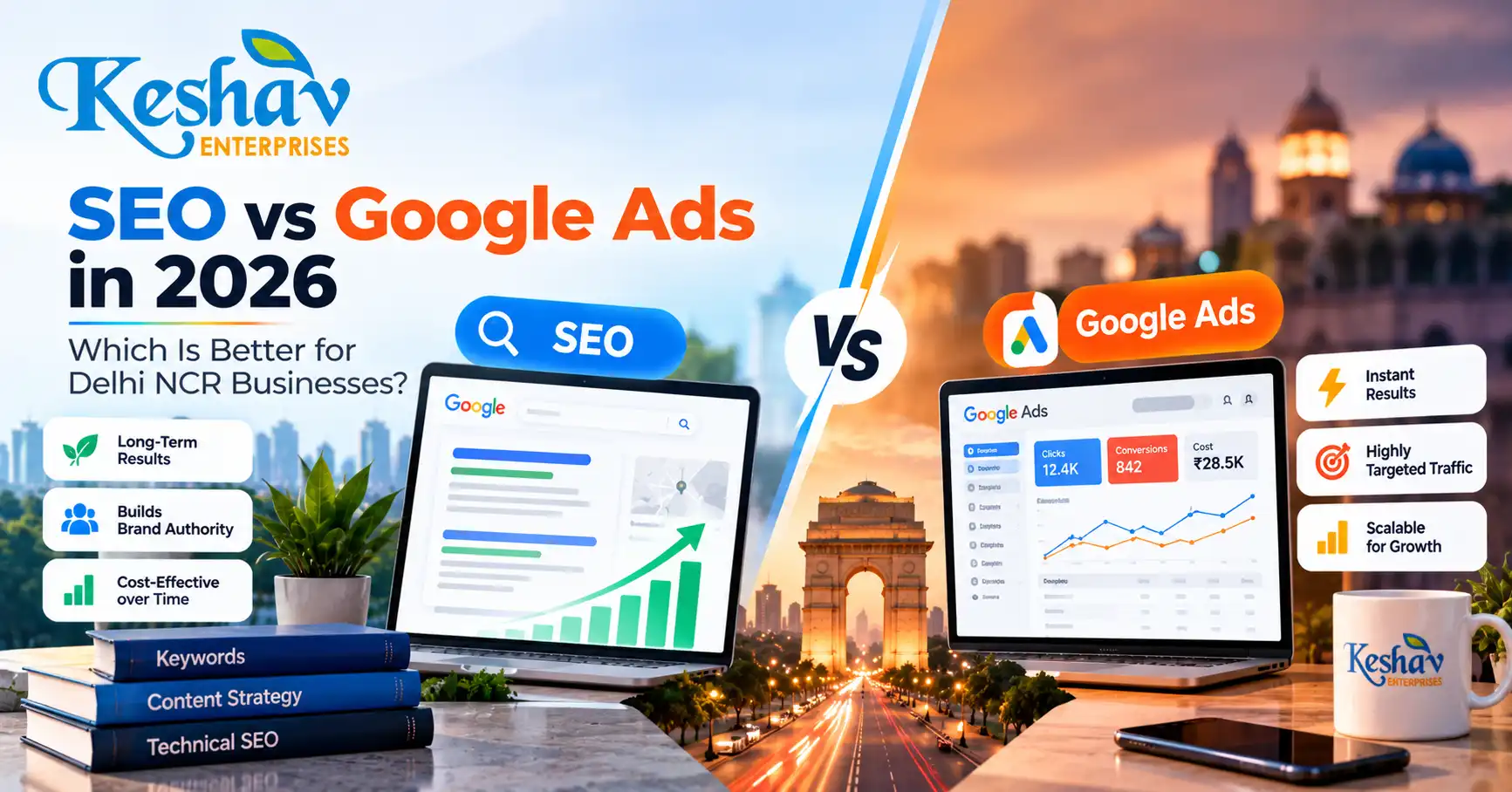
  • SEO vs Google Ads in 2026: Which Is Better for Delhi NCR Businesses?

    SEO vs Google Ads in 2026: Which Is Better for Delhi NCR Businesses?

    SEO and Google Ads solve different growth problems. For most businesses in Delhi NCR, SEO is better for building compounding organic visibility over time, while Google Ads is better for generating controlled visibility quickly when people are already searching for a service. The strongest strategy is often not choosing one forever, but using each channel where it has the clearest commercial role.

    This guide compares SEO vs Google Ads in 2026 for businesses in Delhi, Noida, Gurgaon, Ghaziabad and nearby NCR markets. It focuses on lead quality, speed, cost behaviour, trust, local search, measurement and the type of website needed to convert traffic into enquiries.

    Quick answer: SEO or Google Ads — which is better?

    If you need leads quickly, want to test an offer or need visibility for competitive commercial searches, Google Ads management in Delhi NCR can create immediate exposure once campaigns are approved and active.

    If you want to reduce long-term dependence on paid clicks and build a stronger search presence across service pages, local searches and informational topics, SEO services in Delhi NCR are the better long-term foundation.

    For many established businesses, the practical answer is SEO + Google Ads together: use paid search to capture demand now, while SEO builds the organic assets that can keep generating visibility over time.

    SEO vs Google Ads: side-by-side comparison

    Factor SEO Google Ads
    Speed Usually gradual; growth compounds with technical, content and authority improvements. Can generate visibility quickly after campaign setup and approval.
    Traffic cost No fee per organic click, but strategy, content, technical work and authority building require investment. You pay for ad traffic and need active campaign management.
    Best use Long-term discovery, authority, local visibility and broad topic coverage. Immediate demand capture, offer testing, lead generation and time-sensitive campaigns.
    Control Lower direct control over ranking positions and timelines. Higher control over keywords, locations, budgets, schedules and landing pages.
    Compounding value Strong pages can continue earning visibility after they are published and improved. Traffic normally reduces when campaigns stop spending.
    Measurement Track impressions, clicks, rankings, engagement, leads and assisted conversions. Track spend, clicks, conversions, cost per lead, search terms and campaign performance.
    Local targeting Strong for organic local pages, Google Maps support and location relevance. Strong for defined geographic targeting and high-intent local searches.

    What does SEO actually do for a business?

    Search engine optimization improves the technical accessibility, relevance, usefulness and authority of a website so it can earn greater visibility for appropriate searches. Good SEO is not limited to adding keywords to a page.

    A practical SEO programme can include technical auditing, keyword and search-intent mapping, service-page improvement, internal linking, local SEO, content publishing, structured data, image optimization, crawl/indexation fixes and authority development.

    For a service business in Delhi NCR, SEO can help build visibility for searches such as:

    • SEO company in Delhi
    • website development company in Delhi NCR
    • Shopify developer in Noida
    • Google Ads agency in Gurgaon
    • digital marketing agency near me
    • Problem-based searches such as “why is my website not ranking?”

    SEO also supports answer engines and AI-driven discovery when pages are written with clear definitions, useful comparisons, direct answers, consistent business information and strong topic relationships. That is one reason we recommend building content for real user questions rather than repeating one keyword unnaturally.

    What does Google Ads actually do?

    Google Ads allows a business to appear for selected search demand through paid campaigns. A campaign can be structured around keywords, locations, audiences, devices, schedules, budgets and conversion goals.

    The advantage is speed and control. If someone is actively searching for a service, a well-built search campaign can place the offer in front of that person without waiting for an organic page to improve its ranking.

    However, paid traffic does not fix a weak offer or a weak website. If users click an ad and reach a slow, confusing or generic page, the business may pay for traffic without generating enough qualified enquiries. That is why our website development work and PPC planning are connected to landing-page clarity, mobile experience, tracking and conversion paths.

    Which channel generates leads faster?

    Google Ads is normally the faster channel for immediate search visibility. Once the account, campaign, targeting, ads, landing page and tracking are ready, the business can start entering paid auctions for relevant searches.

    SEO is generally slower because search engines need to crawl, understand, evaluate and re-evaluate website changes. Competitive searches may require stronger content, technical fixes, internal linking, local relevance and authority before meaningful organic growth appears.

    This does not make SEO weak. It means SEO and PPC operate on different timelines.

    Which channel is cheaper?

    There is no universal answer. SEO does not charge per click, but useful SEO still requires investment in strategy, content, technical implementation, reporting and sometimes development. Google Ads charges for ad traffic, and competitive sectors can require meaningful budgets to collect enough data and conversions.

    The better question is: which channel produces qualified enquiries at an acceptable acquisition cost? A low-cost click that never becomes a lead is not necessarily better than a more expensive click that produces a valuable enquiry.

    Which is better for trust and credibility?

    Organic visibility can support credibility because users repeatedly encounter a business across service pages, local results, helpful articles and branded searches. Paid ads can also create trust when the landing page is specific, transparent and professionally built.

    Trust is not created by the traffic source alone. It comes from the complete experience: clear positioning, real contact information, relevant services, useful content, strong mobile UX, transparent calls to action and consistent business information.

    SEO vs Google Ads for local businesses in Delhi NCR

    Local competition varies significantly across Delhi, Noida, Gurgaon, Ghaziabad and other NCR areas. A business may rank well in one area and poorly in another because local results depend on relevance, distance, prominence and the searcher’s context.

    For local visibility, SEO should connect the website with accurate business information, strong service pages, genuine local relevance, useful location content and a correctly managed Google Business Profile. Our detailed local SEO guide for Delhi businesses explains this process in more depth.

    Google Ads can complement that strategy by targeting high-intent searches in defined service areas while organic visibility grows.

    When should a business choose SEO first?

    SEO is often the better first priority when:

    • Your website has weak or inconsistent organic visibility.
    • You have several services that need dedicated search-ready pages.
    • Your buyers research extensively before contacting a provider.
    • You want to build long-term topical authority.
    • You depend too heavily on paid traffic.
    • You want stronger local and organic discovery across Delhi NCR.
    • Your site has technical SEO or indexation problems.
    • You already receive enquiries but want more sustainable inbound demand.

    When should a business choose Google Ads first?

    Google Ads can be the better first priority when:

    • You need demand quickly for an active service or offer.
    • You want to validate which search terms generate real enquiries.
    • You are entering a new market and do not yet have strong organic rankings.
    • You have a focused landing page and reliable lead follow-up.
    • You need geographic control across Delhi, Noida, Gurgaon or another service area.
    • You want to measure cost per lead for specific commercial queries.
    • You are running a time-sensitive launch, promotion or campaign.

    When should SEO and Google Ads run together?

    Running both channels together makes sense when a business has enough budget and operational capacity to handle incoming leads.

    A combined strategy can work like this:

    1. Google Ads captures immediate demand. Campaigns target high-intent searches and reveal useful search-term and conversion data.
    2. SEO builds long-term assets. Strong service pages, local pages, technical improvements and useful articles expand organic visibility.
    3. Landing pages improve both channels. Better message clarity, speed, forms and proof can improve paid conversion rates while also strengthening organic usefulness.
    4. Search data informs content. Real query patterns can reveal customer language and new content opportunities.
    5. Brand visibility becomes more resilient. The business is not dependent on only one traffic source.

    A practical 90-day SEO + Google Ads framework

    Days 1–30: fix tracking and foundations

    • Audit the website, analytics and conversion tracking.
    • Identify high-value services and target locations.
    • Map commercial search intent to the correct landing pages.
    • Fix technical issues that block crawling, indexing or conversion.
    • Build or improve the highest-priority PPC landing page.
    • Launch tightly controlled paid search campaigns where appropriate.

    Days 31–60: improve relevance and conversion

    • Upgrade core service-page content.
    • Improve titles, headings, internal links and FAQs.
    • Review Google Ads search terms and exclude irrelevant traffic.
    • Test landing-page messaging and calls to action.
    • Publish one or more supporting articles around real buying questions.
    • Strengthen local SEO signals if location-based demand matters.

    Days 61–90: scale what is working

    • Compare lead quality by campaign, keyword and landing page.
    • Expand organic content around validated customer questions.
    • Improve pages that receive impressions but weak clicks or conversions.
    • Adjust PPC budget toward better-performing intent clusters.
    • Develop relevant authority and local mentions.
    • Review the full journey from search to enquiry, not only traffic.

    How to make your content easier for Google, AI search and LLM systems to understand

    There is no special “LLM keyword” that guarantees citation or ranking in AI answers. The safer approach is to make the website easy to interpret and trustworthy.

    • Answer the main question directly near the top of the page.
    • Use descriptive headings based on real user questions.
    • Explain important terms in simple language.
    • Use comparison tables where they genuinely help.
    • Keep business name, services, location and contact details consistent.
    • Add visible FAQs that answer practical buying questions.
    • Use relevant internal links between related services and guides.
    • Keep claims specific and avoid unsupported guarantees.
    • Use structured data only when it accurately represents visible content.
    • Update important pages when services, pricing models or business details change.

    This approach supports SEO, AEO (Answer Engine Optimization), GEO and LLM discoverability without sacrificing usefulness for human visitors.

    What should Delhi NCR businesses measure?

    Whether you use SEO, Google Ads or both, measure business outcomes rather than vanity metrics.

    • Qualified form submissions.
    • Calls and WhatsApp enquiries where tracked.
    • Conversion rate by landing page.
    • Organic clicks to commercial pages.
    • Search terms that generate qualified leads.
    • Cost per qualified lead from paid campaigns.
    • Location-level visibility for target services.
    • Lead-to-sale quality, not only raw lead count.

    Frequently asked questions

    Is SEO better than Google Ads?

    SEO is better for building compounding organic visibility over time, while Google Ads is better for immediate controlled visibility. The best choice depends on your timeline, budget, website quality, competition and business objective.

    How long does SEO take to work?

    There is no fixed timeline. Technical improvements may be reflected relatively quickly, while competitive commercial rankings can require sustained work over several months. The starting condition of the website, competition, content quality and authority all affect the timeline.

    How quickly can Google Ads generate leads?

    Google Ads can start generating visibility after campaign setup and approval, but lead quality depends on targeting, search terms, bidding, ad relevance, landing-page quality, tracking and follow-up. Fast traffic does not automatically mean profitable traffic.

    Should a small business in Delhi run SEO or PPC?

    A small business should choose the channel that matches its immediate constraint. If it needs leads now and has a clear offer, PPC may be useful. If it needs a stronger long-term web presence, SEO may deserve priority. A smaller combined strategy can also work if tracking and landing pages are strong.

    Can SEO replace Google Ads completely?

    Sometimes, but not always. A business with strong organic visibility may reduce paid dependency, while other businesses still use Google Ads for priority services, new markets, launches or highly competitive terms.

    Can Google Ads improve SEO rankings?

    Paying for Google Ads does not directly buy organic rankings. However, paid campaigns can provide useful search-term and conversion data that helps inform landing pages, offers and content strategy.

    Do I need a new website before starting SEO or Google Ads?

    Not necessarily. An existing website can often be improved. But if the site is slow, confusing, technically weak or difficult to convert on mobile, development improvements may be necessary before scaling traffic.

    What is the best strategy for a service business in Delhi NCR?

    For many service businesses, a strong approach is to build technically sound service pages, local relevance and useful content through SEO while using tightly controlled Google Ads for high-intent searches that justify paid acquisition.

    Need a practical SEO and Google Ads plan?

    Keshav Enterprises provides SEO, local SEO, Google Ads/PPC, website development and conversion-focused digital support across Delhi NCR. We plan each channel around the business goal rather than forcing every company into the same package.

    Request a digital growth consultation and share your website, target services, priority locations and current lead-generation challenges.

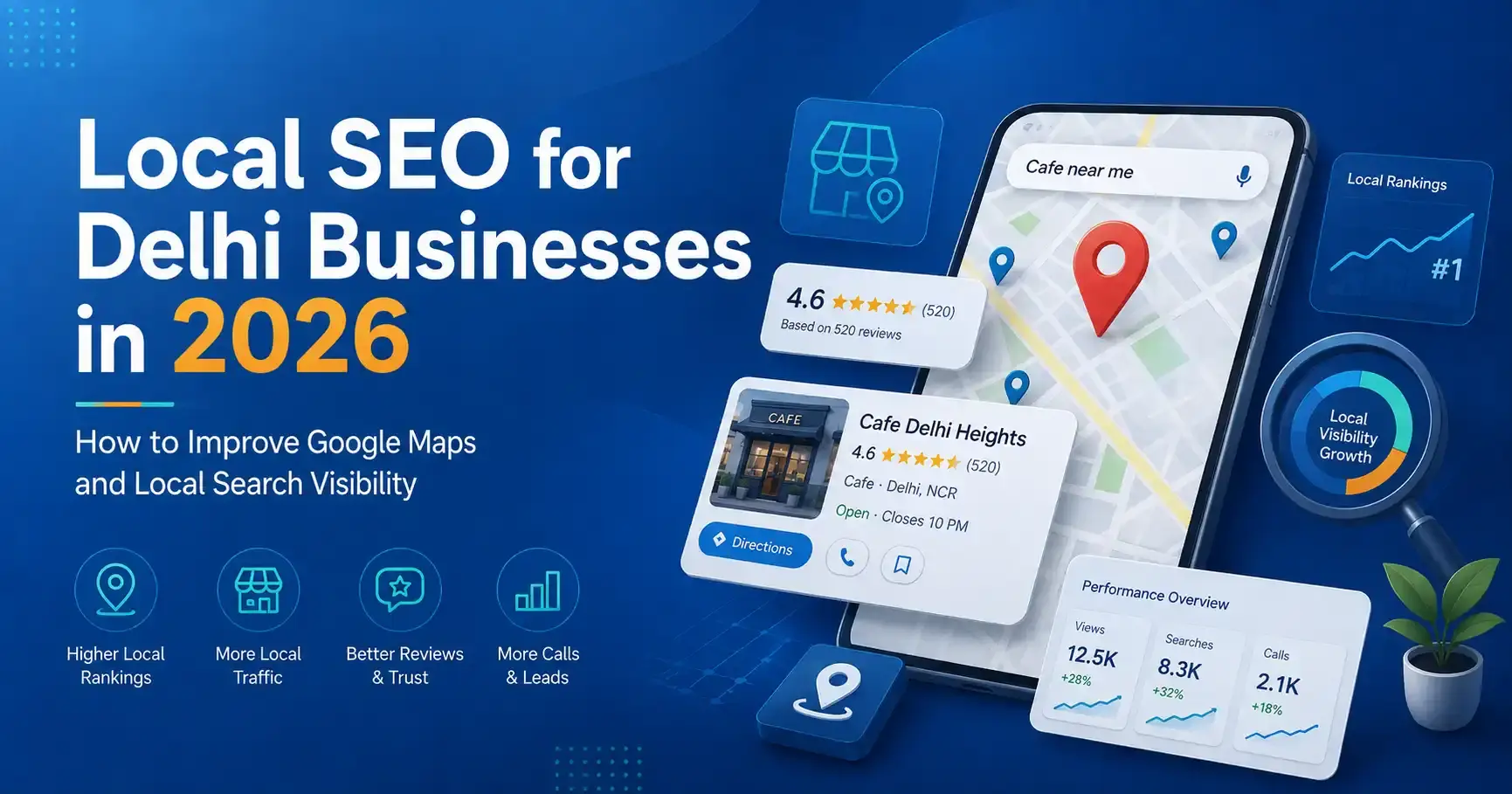
  • Local SEO for Delhi Businesses in 2026: How to Improve Google Maps and Local Search Visibility

    Local SEO for Delhi Businesses in 2026: How to Improve Google Maps and Local Search Visibility

    Local SEO helps a business become more visible when people search for a service in a specific area or look for nearby providers in Google Search and Maps. For a business serving Delhi NCR, that can include searches such as “website developer in Nehru Place,” “SEO company in Delhi,” “dentist near me,” “interior designer in Noida” or “accountant in Gurgaon.”

    Ranking locally is not about repeating a city name hundreds of times. Google explains that local results are mainly influenced by relevance, distance and prominence. That means a strong local strategy combines an accurate Google Business Profile, a technically sound website, useful location-relevant content, real customer reputation and consistent business information across the web.

    This guide explains a practical approach to local SEO for Delhi businesses in 2026 without fake reviews, doorway pages or keyword stuffing.

    What is local SEO?

    Local SEO is the process of improving a business’s visibility for searches connected to a geographic area. It covers both the website and external local signals such as Google Business Profile, business directories, reviews and local mentions.

    For service businesses, local SEO can influence two important search surfaces:

    • Google Maps / local pack: business profiles displayed for local-intent queries.
    • Organic search: website pages that rank below or around the local results.

    A business can perform differently in Maps and organic search, so the strategy should measure both.

    The three foundations of Google local visibility

    Relevance

    Relevance is how closely the business matches what the searcher wants. Clear categories, services, website pages, profile information and content help search systems understand what the business actually offers.

    Distance

    Distance considers the location of the searcher or the location named in the query. This is why no ethical SEO provider can guarantee the same Maps position for every person across Delhi NCR. A business in Nehru Place may naturally perform differently for users searching from Rohini, Noida or Gurgaon.

    Prominence

    Prominence reflects how established and well known a business appears. Reviews, links, mentions, directories, website authority and broader real-world reputation can contribute to this picture.

    This is why local SEO services in Delhi NCR should never be reduced to editing a Google Business Profile once. The profile and the website need to reinforce each other over time.

    Step 1: make your Google Business Profile accurate and complete

    Start with basic accuracy. The business name should reflect the real-world business name rather than a list of keywords. Choose the most accurate primary category and relevant secondary categories. Add genuine services, business hours, website, phone number and address or service-area information according to how the business actually operates.

    • Business name.
    • Primary and secondary categories.
    • Address or service-area setup.
    • Phone number.
    • Website URL.
    • Regular and special hours.
    • Services or products.
    • Business description.
    • Attributes available for the category.
    • Photos and videos.

    Do not add keywords to the business name unless they are genuinely part of the name used in the real world. Short-term manipulation can create verification or policy problems.

    Step 2: keep NAP information consistent

    NAP means Name, Address and Phone number. The key business information on your website should match the details used on major profiles and directories.

    Perfect character-for-character consistency across every historical directory is not a magic ranking formula, but contradictory information can create user confusion and make it harder for platforms to understand the current business entity.

    On your own website, place verified contact details in predictable locations such as the footer, contact page and relevant structured data. If you move office, update the website and major business profiles promptly instead of leaving old addresses active for months.

    Step 3: create strong service pages before making dozens of location pages

    A common local SEO mistake is creating many thin pages such as “SEO Company Delhi,” “SEO Company South Delhi,” “SEO Company Noida,” “SEO Company Gurgaon” and “SEO Company Ghaziabad” and changing only the city name. These pages offer little value if the service description is otherwise identical.

    Start with comprehensive service pages that explain the problem, scope, process, deliverables, examples and FAQs. Keshav Enterprises, for example, separates its broader SEO services in Delhi NCR from its local SEO service so the intent of each page is clearer.

    Create dedicated city or area pages only when there is enough genuine local information to make them useful.

    Step 4: build location pages that deserve to exist

    A strong location page should not look like a template with one word changed. Useful local elements can include:

    • Services genuinely delivered in that market.
    • Local office or service-area information.
    • Local project examples that can be verified.
    • Travel/service logistics where relevant.
    • Local customer questions.
    • Area-specific industries or requirements.
    • Relevant internal links.
    • A clear enquiry route.

    If you cannot add meaningful local value, one strong Delhi NCR service page may be better than ten weak city pages.

    Step 5: improve your website’s technical foundation

    Google Business Profile work cannot compensate for a broken website. Local visitors frequently move from Maps to the website before calling, especially for higher-consideration services.

    • Pages load correctly on the first visit and direct URL request.
    • The website is mobile responsive.
    • HTTPS works consistently.
    • Important pages are indexable.
    • Canonical URLs are correct.
    • XML sitemap contains canonical pages.
    • Robots rules do not block important content.
    • Images are optimized and have meaningful alt text.
    • Forms and phone links work.
    • Core page templates do not have excessive layout shift.
    • Internal links connect services, locations and supporting articles.

    If your current site is slow, difficult to manage or structurally weak, local SEO may require broader website development improvements before content expansion makes sense.

    Step 6: use local keywords naturally

    Keywords still help clarify page intent, but they should fit the sentence. A page about local SEO in Delhi NCR can naturally mention Delhi, New Delhi, Noida, Gurgaon and Ghaziabad where the business actually serves those areas. Repeating the same phrase in every heading usually makes the page worse for users.

    • Service + city: “SEO company in Delhi.”
    • Service + area: “website developer Nehru Place.”
    • Near-me: “SEO agency near me.”
    • Problem: “why my business is not showing on Google Maps.”
    • Comparison: “best SEO approach for local business.”
    • Informational: “how to optimize Google Business Profile.”

    Build pages around distinct user needs, not around every possible keyword variation.

    Step 7: earn genuine reviews and respond professionally

    Reviews can influence customer confidence and contribute to local prominence. The right strategy is to ask real customers for honest feedback at sensible points in the customer journey.

    Do not buy reviews, create fake reviewer accounts or publish fabricated experiences. In addition to policy risk, fake reviews make it difficult to understand what real customers value or dislike.

    1. Identify legitimate customers after a meaningful service interaction.
    2. Send a direct review request without dictating what they must write.
    3. Respond to positive and negative reviews professionally.
    4. Use feedback to improve recurring service problems.
    5. Track review velocity and themes over time rather than obsessing over one week.

    Step 8: build local authority outside your own website

    Prominence is strengthened when other credible sources mention or link to the business. Relevant opportunities can include industry associations, local chambers, supplier/partner pages, reputable business directories, event coverage, local publications and genuine partnerships.

    The goal is not to submit the same description to hundreds of low-quality directories. Prioritize accurate profiles and sources that real customers or industry participants might actually use.

    Step 9: use structured data to clarify, not manipulate

    Structured data can help search engines understand the entities and relationships on a page. For a local business, appropriate markup may include Organization or LocalBusiness, service information, breadcrumbs and other schema types when they match visible content.

    • Use the real business name, address, telephone and URL.
    • Do not create fake ratings or reviews in schema.
    • Do not add FAQ schema for questions that do not appear on the page.
    • Keep entity identifiers consistent across the site.
    • Make sure structured data describes the page users can actually see.

    Schema is a clarity layer, not a shortcut to ranking.

    Step 10: improve internal linking between local topics

    Search engines and visitors both benefit when related information is connected logically. A local SEO page can link to SEO services, website development, relevant city pages, case studies and educational articles. A city page can link back to the service it represents.

    Avoid adding the same twenty keyword-rich links to every page. Use contextual links where the next page genuinely helps the reader.

    Step 11: publish content that answers local buying questions

    Blogging can support local SEO when the topics connect to actual customer decisions. Instead of generic “10 benefits of digital marketing” posts, build content around questions prospects ask before contacting a provider.

    • How much does website development cost in Delhi NCR?
    • WordPress vs Shopify for a Delhi ecommerce business.
    • Why a website ranks in Noida but not Gurgaon.
    • How to migrate a business website without losing SEO.
    • How to choose an SEO company in Delhi.
    • Google Business Profile optimization checklist.

    Useful content can earn long-tail traffic, support internal linking and give search or AI systems clearer explanations of the business’s expertise.

    Step 12: optimize for AI search by improving factual clarity

    There is no separate “AI keyword stuffing” strategy that makes content automatically appear in answer engines. The safer approach is to make important pages easy to interpret.

    • Direct definitions near the top of the page.
    • Clear headings that reflect real questions.
    • Comparison tables where useful.
    • Short factual summaries.
    • Consistent entity and contact information.
    • Transparent service scope.
    • Meaningful FAQs.
    • Strong internal topic relationships.

    This improves usability for humans while also making the content easier for different search systems to parse.

    A 90-day local SEO framework

    Days 1–30: fix the foundation

    • Audit Google Business Profile.
    • Correct categories, hours and contact details.
    • Audit website indexation and technical errors.
    • Map primary services to the right pages.
    • Fix title, heading and internal-link issues.
    • Confirm analytics and conversion tracking.

    Days 31–60: strengthen relevance

    • Improve key service pages.
    • Create or upgrade valuable location pages.
    • Add accurate local structured data.
    • Publish supporting content around customer questions.
    • Improve image and mobile performance.
    • Start a genuine review-request process.

    Days 61–90: build prominence and measure

    • Improve quality directory profiles and citations.
    • Seek relevant local/industry mentions.
    • Review Google Business Profile performance.
    • Measure calls, forms and qualified enquiries.
    • Compare visibility across target areas.
    • Update content based on actual search and conversion data.

    How should you measure local SEO?

    Ranking is useful, but it should not be the only metric. Track whether visibility produces business outcomes.

    • Organic clicks to service and location pages.
    • Google Business Profile calls and website visits where available.
    • Qualified form submissions.
    • Search queries bringing users to the site.
    • Visibility by location for important services.
    • Conversions from mobile visitors.
    • Review quantity, quality and response process.
    • Pages gaining or losing impressions over time.

    For a Delhi NCR business, location-specific tracking matters because rankings can change significantly based on where the searcher is located.

    Local SEO mistakes to avoid

    • Adding keywords to the Google Business Profile name when they are not part of the real business name.
    • Buying or fabricating reviews.
    • Creating dozens of duplicate city pages.
    • Using fake addresses or virtual locations that do not comply with platform rules.
    • Publishing AI-generated filler with no unique information.
    • Ignoring mobile speed and broken pages.
    • Using inconsistent business details across important properties.
    • Adding structured data that contradicts visible content.
    • Measuring only rankings and ignoring leads.

    Frequently asked questions

    How long does local SEO take in Delhi?

    There is no fixed universal timeline. Results depend on the starting condition of the website and Business Profile, competition, location, reputation, content quality and authority. Technical improvements may be visible quickly, while meaningful competitive growth usually requires consistent work over time.

    Can anyone guarantee a top-three Google Maps ranking?

    No credible provider can guarantee the same top-three position for every user or location. Local results vary based on relevance, distance, prominence, competition and the searcher’s context.

    Do I need a Google Business Profile for local SEO?

    For businesses eligible for a Business Profile, it is an important part of Maps and local visibility. The website remains important because it supports service relevance, trust, organic search and conversion after users click through.

    Should I create a separate page for every Delhi locality?

    Only when each page can offer genuine local value and the business actually serves that market. Near-duplicate pages that change only the place name are not a strong long-term strategy.

    Do reviews help local ranking?

    Reviews contribute to reputation and can influence local prominence and customer decision-making. Focus on genuine customer feedback and professional responses rather than artificial review volume.

    Is LocalBusiness schema enough to rank locally?

    No. Schema helps clarify business information but does not replace profile accuracy, website quality, relevance, reputation, links, content or proximity.

    Want a practical local SEO plan for Delhi NCR?

    Keshav Enterprises supports technical SEO, content architecture, local search optimization and website improvements for businesses across Delhi NCR. The right plan depends on where your current visibility is weak: Google Business Profile, website structure, service relevance, content, reputation or technical performance.

    Request a local SEO consultation and share your website, target services and the Delhi NCR areas you genuinely serve.

  • WordPress vs Shopify vs Next.js in 2026: Which Website Platform Is Best for Your Business?

    WordPress vs Shopify vs Next.js in 2026: Which Website Platform Is Best for Your Business?

    Choosing a website platform is not a contest between technologies. The right choice depends on what your business needs to publish, sell, integrate and maintain after launch. WordPress, Shopify and Next.js are all capable platforms, but they solve different problems well.

    This guide compares WordPress vs Shopify vs Next.js from a business perspective: content management, ecommerce, SEO, performance, customization, development cost, maintenance and long-term flexibility. It is written for founders, marketing teams and businesses that want to choose a platform based on operational reality rather than a developer’s personal preference.

    Quick comparison: WordPress, Shopify or Next.js?

    Requirement WordPress Shopify Next.js
    Content-heavy business website Excellent fit Possible, but commerce-first Excellent with a CMS
    Ecommerce Good with WooCommerce Excellent for many stores Custom/headless commerce
    Non-technical editing Strong Strong Depends on CMS integration
    Custom application logic Possible but can become plugin-heavy Limited by platform model Very strong
    Front-end flexibility High High within Shopify architecture Very high
    Hosting management You manage or buy managed hosting Mostly managed by Shopify You choose deployment stack
    Typical maintenance burden Moderate Lower platform maintenance Depends on architecture
    Best for Marketing sites, publishing, WooCommerce Product businesses and D2C Custom, performance-led and application-like experiences

    When WordPress is the better choice

    WordPress is often a practical choice for service businesses, publishers, institutes, professional firms and marketing teams that need to create and update content regularly. The editor, media library, user roles and plugin ecosystem make it possible for non-technical teams to manage substantial websites without changing source code for every update.

    A well-built WordPress website can support landing pages, blogs, case studies, careers, forms, multilingual content and WooCommerce. The important phrase is well-built. A site with dozens of overlapping plugins, an oversized theme and no performance discipline can become difficult to maintain.

    Businesses looking for an editable marketing platform can review our WordPress development services in Delhi.

    WordPress advantages

    • Strong content-management experience.
    • Large ecosystem of themes, plugins and integrations.
    • Suitable for blogs, service websites, resources and publishing workflows.
    • WooCommerce can add flexible ecommerce capability.
    • Many internal teams already understand the admin interface.
    • Can be customized substantially when development is disciplined.

    WordPress limitations

    • Plugin quality varies widely.
    • Updates need to be managed and tested.
    • Poor themes and page builders can create unnecessary front-end weight.
    • Security and backups require a clear maintenance process.
    • Complex application workflows can become awkward if everything is forced into plugins.

    When Shopify is the better choice

    Shopify is designed around commerce. For many product businesses, that focus is its biggest advantage. Hosting, checkout infrastructure, administration, product management and a large app ecosystem are provided within one managed platform.

    A brand can focus on catalog structure, merchandising, design, content, conversion and marketing instead of operating its own commerce infrastructure. This makes Shopify attractive for D2C businesses, retailers and teams that want predictable day-to-day administration.

    For store builds and optimization, see Shopify development in Delhi and our broader ecommerce development services.

    Shopify advantages

    • Commerce-first administration.
    • Managed hosting and platform infrastructure.
    • Reliable product, order and checkout workflows.
    • Strong ecosystem for payments, shipping, marketing and operations.
    • Good fit for teams that do not want to maintain a custom commerce backend.
    • Theme sections make common merchandising changes manageable.

    Shopify limitations

    • Recurring platform and app costs must be considered.
    • Some advanced business workflows require apps or custom development.
    • Checkout and platform behavior have boundaries defined by Shopify.
    • Highly unusual content or application experiences may need a headless approach.

    When Next.js is the better choice

    Next.js is a React framework rather than a ready-made CMS or ecommerce platform. It becomes powerful when a business needs a custom front end, server-rendered pages, application functionality, complex integrations or a headless architecture.

    For example, a company can use WordPress as a headless CMS while Next.js renders the public website. The marketing team keeps a familiar publishing workflow, while the front end remains part of a custom React application. A similar approach can be used with headless commerce.

    Next.js is not automatically “better for SEO” simply because it is modern. SEO quality depends on crawlable output, metadata, internal linking, content quality, performance and technical implementation. A poorly built Next.js site can have serious indexing problems, just as a poorly built WordPress site can be slow.

    Next.js advantages

    • High degree of front-end control.
    • Supports server rendering and static generation patterns.
    • Strong fit for custom APIs, dashboards and application features.
    • Can integrate with headless WordPress, commerce platforms and custom backends.
    • Reusable React architecture suits larger design systems.
    • Can deliver strong performance when scripts, images and caching are handled correctly.

    Next.js limitations

    • Requires more engineering knowledge than a traditional CMS.
    • Non-technical content editing requires a CMS connection.
    • Custom features create custom maintenance responsibility.
    • Hosting, builds, cache strategy and deployment architecture must be planned.
    • A custom stack can cost more than necessary for a simple brochure website.

    Which platform is best for SEO?

    All three can rank well when implemented properly. Search engines do not reward a website simply because it uses WordPress, Shopify or Next.js. What matters is whether the site can be crawled, understood, indexed and used efficiently.

    • Unique and useful pages that satisfy search intent.
    • Server-accessible content rather than empty shells that depend on broken JavaScript.
    • Clear page titles, headings and internal links.
    • Canonical URLs and clean indexation.
    • XML sitemap and robots configuration.
    • Fast, stable mobile pages.
    • Helpful structured data where it accurately describes visible content.
    • Strong information architecture and no unnecessary duplication.

    For businesses targeting organic acquisition, platform selection should be discussed together with the SEO strategy, not after the build is finished.

    Which platform is best for AI search and answer engines?

    AI-driven search systems still depend on clear, accessible and trustworthy web content. The platform matters less than the quality of the output. Pages should explain services in direct language, use logical headings, answer common questions, connect related topics and make business information consistent.

    For AI visibility, avoid trying to create “special AI text.” Instead, make the content easier to understand: concise definitions, comparison tables, meaningful FAQs, transparent service scope, useful examples and well-connected topic clusters.

    Which is fastest: WordPress, Shopify or Next.js?

    There is no useful universal answer. A lightweight WordPress build can be extremely fast. A Shopify theme can perform well or become heavy after many apps and scripts. A Next.js application can be fast, but excessive client-side JavaScript, animation and oversized media can still damage real-world performance.

    Performance is an implementation discipline. Evaluate:

    • Largest contentful element on mobile.
    • Amount of JavaScript sent to the browser.
    • Image dimensions and formats.
    • Third-party apps and tracking scripts.
    • Font files and weights.
    • Layout shifts.
    • Server response and caching.
    • Animation and interaction cost.

    Which platform is easiest for the marketing team?

    WordPress is usually strong for editorial workflows. Shopify is strong for product and store administration. Next.js needs a connected CMS if marketers are expected to publish without developer assistance.

    This operational question is often underestimated. The best front-end architecture is not helpful if every headline change requires a deployment and the marketing team publishes weekly. Conversely, a company building a complex customer portal may accept a more technical stack because the product itself requires it.

    Cost comparison: think about total cost, not only development

    When comparing platforms, calculate the total cost of ownership:

    Cost area WordPress Shopify Next.js
    Initial development Low to high depending on customization Low to high depending on theme/custom build Usually higher for custom work
    Hosting Separate hosting Included in platform subscription Deployment/hosting provider required
    Apps/plugins Free and paid plugins Recurring app costs common Libraries/services vary
    Maintenance Updates, backups, security Platform core managed Code/dependency maintenance
    Content editing Built in Built in CMS usually required

    The cheapest initial build can become expensive if it creates manual work every month. The best business decision usually minimizes friction over the expected life of the website.

    Decision framework for Delhi NCR businesses

    If you are speaking with a website development company in Delhi NCR, ask them to recommend the platform only after understanding these questions:

    1. Is this primarily a marketing website, store or application?
    2. Who needs to edit content after launch?
    3. How often will products or pages change?
    4. What integrations are essential?
    5. Is there an existing CRM, ERP, booking or operational system?
    6. How important is advanced front-end customization?
    7. What is the expected traffic and growth model?
    8. What ongoing maintenance capacity does the team have?
    9. What is the realistic total budget for build plus maintenance?

    Common platform-selection mistakes

    Choosing based only on the developer’s preferred stack

    A technology should fit the business requirement. The developer should be able to explain why the choice reduces risk or improves a measurable outcome.

    Assuming a plugin can solve every future need

    Plugins are useful, but piling plugins onto a growing site can create conflicts, security risk and performance problems. Important workflows deserve intentional architecture.

    Choosing headless because it sounds premium

    Headless architecture can be excellent, but it creates additional moving parts. Use it when the front-end experience, integrations or multi-channel content needs justify the complexity.

    Ignoring the team that will maintain the site

    A website is an operating system for marketing and sales activity. The people who publish content, manage products and respond to leads need a workable process after launch.

    Frequently asked questions

    Is WordPress still a good choice in 2026?

    Yes, when the project benefits from strong content management and the site is built with disciplined themes, plugins, security and performance practices. It remains especially useful for content-led business websites and publishing.

    Is Shopify only for small stores?

    No. Shopify can support businesses at different scales. Whether it is appropriate depends on catalog structure, operations, required integrations, checkout requirements and how much control the business needs over the commerce architecture.

    Is Next.js better than WordPress for SEO?

    Not automatically. Both can perform strongly in search. SEO depends on rendered content, crawlability, metadata, internal linking, page quality, performance and indexation—not the framework name.

    Can WordPress and Next.js work together?

    Yes. WordPress can operate as a headless CMS while Next.js renders the public website through the WordPress REST API or another content interface. This preserves WordPress publishing while allowing a custom React front end.

    Which platform is best for an ecommerce business?

    Shopify is a strong default for many product-focused businesses because commerce infrastructure is managed. WooCommerce can be attractive when WordPress content and commerce need to live together. Custom/headless commerce is justified when business requirements go beyond standard platform capabilities.

    Can I migrate from one platform later?

    Yes, but migrations can involve URLs, product or content data, redirects, analytics, customer information, integrations and SEO preservation. Choosing a suitable platform now can reduce migration cost later.

    Need help choosing the right platform?

    Keshav Enterprises works with WordPress, Shopify, ecommerce and custom React/Next.js projects. Instead of forcing every project into one stack, the platform should be selected around content, commerce, integrations, internal capability and growth requirements.

    Discuss your website requirement and share what you are building, who needs to manage it, required integrations and your target launch window.

  • Website Development Cost in Delhi NCR in 2026: A Practical Pricing Guide for Businesses

    Website Development Cost in Delhi NCR in 2026: A Practical Pricing Guide for Businesses

    If you are planning a new business website in Delhi NCR, one of the first questions is usually simple: how much should a professional website actually cost? The difficult part is that there is no single useful price for every project. A five-page service website, a multilingual corporate site, a Shopify store and a custom Next.js platform may all be called “website development,” but the effort, risk and long-term maintenance are very different.

    This guide explains the main factors that shape website development cost in Delhi NCR, gives practical planning ranges, and shows how to compare proposals without choosing a vendor only because the first number looks lower. The goal is not to push a fixed package. It is to help you understand what you are paying for and what should be included in a serious scope.

    Quick answer: what does a business website cost in Delhi NCR?

    For planning purposes, many small and mid-sized business projects can be thought about in four broad bands. These are indicative budgeting ranges, not a quotation; actual pricing depends on requirements, content readiness, integrations, design depth and support.

    Website type Typical scope Indicative planning range Best suited for
    Starter business website 5–8 pages, responsive design, contact form, basic SEO setup ₹25,000–₹80,000 Local services, consultants, early-stage businesses
    Growth-focused corporate website 10–25+ pages, custom UI, CMS, lead journeys, analytics, stronger SEO architecture ₹70,000–₹2,00,000+ Established service businesses and B2B companies
    Ecommerce website Catalog, collections, checkout, payment integration, shipping, tracking and conversion work ₹1,00,000–₹4,00,000+ Retailers, D2C brands, manufacturers and distributors
    Custom web application Custom workflows, dashboards, APIs, authentication, databases and application logic ₹2,00,000 to several lakhs+ SaaS, portals, internal systems and complex platforms

    If two vendors quote very different amounts for the “same website,” the scope is often not actually the same. One may be pricing a pre-built theme with content insertion, while another is pricing discovery, information architecture, custom design, development, testing, analytics, technical SEO and post-launch support.

    What actually changes the price of website development?

    1. Number and complexity of page templates

    Page count matters, but template complexity matters more. Twenty pages built from four reusable layouts can be easier to manage than ten pages with ten completely different interactive designs. A practical proposal should distinguish between unique templates and pages populated from those templates.

    2. Custom design versus theme-led development

    A theme can be a sensible choice for a straightforward WordPress project, especially when speed to launch and editor friendliness matter. Custom design requires more discovery, wireframing, visual design, responsive states and quality assurance, but it can create a clearer brand experience when the business has more complex positioning or conversion needs.

    If your priority is an editable marketing website, see our WordPress development approach in Delhi. If you need a broader custom build, review our website development services in Delhi NCR.

    3. CMS and content-management requirements

    A brochure site that is rarely updated has different needs from a publishing-heavy website with blogs, case studies, careers, locations, resources and multiple content editors. CMS requirements can include role permissions, draft/review workflows, reusable content blocks, scheduled publishing, media management and multilingual editing.

    A good CMS should reduce the cost of future updates. Choosing the cheapest build but making every content change dependent on a developer can become more expensive over time.

    4. Ecommerce functionality

    Ecommerce introduces product architecture, variants, collections, filters, payments, taxes, shipping, transactional emails, inventory, analytics and conversion testing. The total effort depends on catalog size and operational complexity, not just the number of products.

    For businesses comparing store platforms, our Shopify development service explains where a managed commerce platform can reduce technical overhead. For broader store requirements, see ecommerce website development in Delhi NCR.

    5. Integrations and custom functionality

    Integrations often create the biggest difference between a basic website and a serious business platform. Examples include CRM systems, WhatsApp flows, payment gateways, booking systems, ERP tools, job application workflows, marketing automation, custom calculators, member areas and third-party APIs.

    Every integration should be scoped around what data moves, where it goes, who owns the account, what happens if the third-party service is unavailable, and whether there are recurring licensing charges.

    6. Content strategy and copywriting

    A visually attractive website cannot compensate for unclear content. If the project includes keyword research, page mapping, content writing, content migration, case-study development or multilingual copy, those activities should be visible in the proposal instead of being treated as an afterthought.

    For search-led projects, page architecture should be decided before design is locked. This avoids the common situation where SEO is “added later” by forcing keywords into a layout that was never built to answer search intent.

    7. SEO foundations

    Foundational SEO is more than adding a plugin. A strong implementation considers crawlable navigation, indexable pages, metadata, canonical URLs, XML sitemaps, robots rules, heading structure, internal links, structured data where appropriate, image handling, redirects and performance.

    Ongoing SEO is a separate discipline that includes research, content improvement, authority development, local visibility and measurement. If organic growth is a major acquisition channel, compare the development scope with the SEO services required after launch.

    8. Performance and Core Web Vitals

    Speed affects user experience, conversion and how easily visitors can interact with a site. Performance work can include image sizing, modern formats, font optimization, script reduction, caching, server rendering, lazy loading and removal of unnecessary animation.

    Performance should be considered during development, not left for a final “speed optimization” plugin. Heavy animation, large hero videos and multiple third-party scripts can make a polished design feel slow on real mobile devices.

    9. Migration and redirects

    Redesigning an existing website involves more than replacing pages. A safe migration may require URL inventory, redirect mapping, metadata transfer, content migration, analytics preservation, Search Console checks and post-launch monitoring. Skipping redirects can cause previously indexed URLs to return 404 errors and lose accumulated search value.

    10. Testing, security and post-launch support

    Professional development includes responsive testing, browser testing, form validation, broken-link checks, error handling, backups and security configuration appropriate to the platform. The proposal should state what happens after launch: warranty period, maintenance scope, response times, updates and what is charged separately.

    Why a ₹20,000 website and a ₹2 lakh website can both be “correct”

    Price only makes sense in relation to scope. A ₹20,000 site may be perfectly reasonable for a small business that needs a simple online presence using an existing design system. The same budget is not realistic for a custom multilingual corporate platform with integrations, structured content, testing and an ongoing publishing workflow.

    The better question is: what business problem must the website solve?

    • If the goal is credibility and a clear contact route, keep the build focused.
    • If the goal is organic lead generation, budget for content architecture, SEO and conversion paths.
    • If the goal is ecommerce, budget for merchandising, checkout, tracking and operations.
    • If the site supports internal workflows, treat it as software rather than a marketing brochure.

    How to compare website development proposals properly

    When reviewing proposals from a website development company in Delhi NCR, compare the items below line by line rather than comparing only the grand total.

    1. Discovery: Is requirement clarification included?
    2. Information architecture: Who defines the sitemap and user journeys?
    3. Design: Is the design custom, theme-based or a hybrid?
    4. Responsive states: Are mobile and tablet layouts explicitly tested?
    5. Content: Who writes, supplies, edits and uploads it?
    6. SEO: Which technical and on-page items are actually included?
    7. Analytics: Are GA4, conversion events or other tracking requirements configured?
    8. Integrations: Are third-party fees and dependencies clearly listed?
    9. Testing: What browsers, devices and functional flows are tested?
    10. Ownership: Who owns the source code, design files, accounts and domain access?
    11. Maintenance: What happens after launch and what is the response time?

    Which platform is usually the most cost-effective?

    There is no universal winner. WordPress can be cost-effective for content-led marketing websites. Shopify can reduce operational complexity for many ecommerce businesses. Next.js can be a strong choice when performance, application-like functionality or a custom front end is important. WooCommerce may suit businesses that want WordPress content management and commerce in one system.

    Platform choice should follow requirements rather than fashion. Rebuilding a simple business site as a complex custom application can increase development and maintenance cost without improving the customer journey. At the same time, forcing complex workflows into a plugin-heavy setup can create long-term technical debt.

    A practical website budget checklist

    • Business goals for the website.
    • Target customers and geographic markets.
    • Approximate number of pages or content types.
    • Current website URL, if any.
    • Examples of websites you like and why.
    • Required forms, CRM, payments, booking or other integrations.
    • Whether copywriting and images are ready.
    • Whether you need WordPress, Shopify, WooCommerce, React/Next.js or advice on the platform.
    • Expected launch date.
    • Who will approve designs and content.
    • Post-launch maintenance expectations.

    This information makes it easier for vendors to quote comparable scopes and reduces change requests later.

    Frequently asked questions

    How much does a 5-page website cost in Delhi?

    A simple five-page business website can often be delivered at the lower end of the market when content, branding and functionality are straightforward. The final figure depends on whether the design is custom, who writes the content, which CMS is used, and whether SEO, analytics, integrations and support are included.

    Is WordPress cheaper than a custom Next.js website?

    For a conventional marketing website, WordPress can require less custom engineering and may therefore be more economical. Next.js can make sense when the project needs a highly customized front end, application logic, performance architecture or integration patterns that justify a custom build.

    How much does an ecommerce website cost?

    Ecommerce pricing depends on platform, catalog size, product options, payment and shipping rules, design, apps, tracking and integrations. A small Shopify store and a custom commerce platform should not be expected to have the same budget.

    Does website development include SEO?

    A professional build should include foundational technical and on-page considerations such as crawlability, metadata structure, responsive design and performance. Ongoing SEO—keyword research, content growth, authority work, local optimization and reporting—is usually a separate continuous service unless explicitly included.

    How long does website development take?

    A focused business website may take a few weeks, while larger corporate sites, ecommerce stores and custom applications can take longer. Content readiness, feedback speed, integrations and testing often influence the schedule as much as development itself.

    Should I choose the cheapest website developer?

    Not automatically. Compare the actual scope, quality assurance, ownership, platform suitability, support and long-term maintenance. A lower initial price can be sensible for a smaller requirement, but a vague scope can also lead to additional costs later.

    Planning a new website?

    If you are comparing platforms, rebuilding an existing site or trying to understand the right budget, start with the business requirement rather than a package. Keshav Enterprises works across website development, WordPress, Shopify, ecommerce and search optimization for businesses in Delhi NCR and other markets.

    Request a website development consultation and share your current website, required functionality, preferred timeline and any known technical constraints. A clear scope is the best starting point for an accurate quotation.