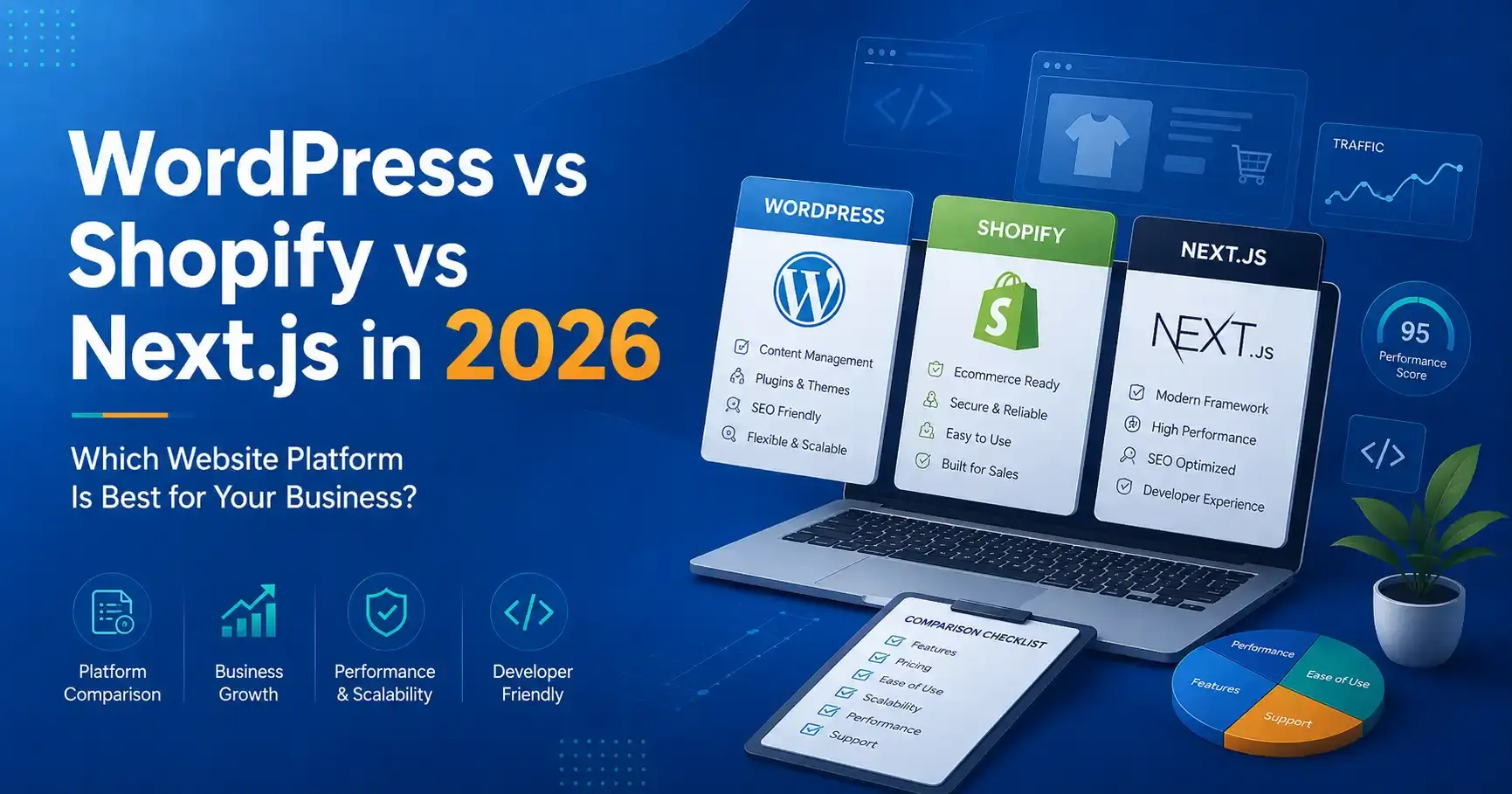
Choosing a website platform is not a contest between technologies. The right choice depends on what your business needs to publish, sell, integrate and maintain after launch. WordPress, Shopify and Next.js are all capable platforms, but they solve different problems well.
This guide compares WordPress vs Shopify vs Next.js from a business perspective: content management, ecommerce, SEO, performance, customization, development cost, maintenance and long-term flexibility. It is written for founders, marketing teams and businesses that want to choose a platform based on operational reality rather than a developer’s personal preference.
Quick comparison: WordPress, Shopify or Next.js?
| Requirement | WordPress | Shopify | Next.js |
|---|---|---|---|
| Content-heavy business website | Excellent fit | Possible, but commerce-first | Excellent with a CMS |
| Ecommerce | Good with WooCommerce | Excellent for many stores | Custom/headless commerce |
| Non-technical editing | Strong | Strong | Depends on CMS integration |
| Custom application logic | Possible but can become plugin-heavy | Limited by platform model | Very strong |
| Front-end flexibility | High | High within Shopify architecture | Very high |
| Hosting management | You manage or buy managed hosting | Mostly managed by Shopify | You choose deployment stack |
| Typical maintenance burden | Moderate | Lower platform maintenance | Depends on architecture |
| Best for | Marketing sites, publishing, WooCommerce | Product businesses and D2C | Custom, performance-led and application-like experiences |
When WordPress is the better choice
WordPress is often a practical choice for service businesses, publishers, institutes, professional firms and marketing teams that need to create and update content regularly. The editor, media library, user roles and plugin ecosystem make it possible for non-technical teams to manage substantial websites without changing source code for every update.
A well-built WordPress website can support landing pages, blogs, case studies, careers, forms, multilingual content and WooCommerce. The important phrase is well-built. A site with dozens of overlapping plugins, an oversized theme and no performance discipline can become difficult to maintain.
Businesses looking for an editable marketing platform can review our WordPress development services in Delhi.
WordPress advantages
- Strong content-management experience.
- Large ecosystem of themes, plugins and integrations.
- Suitable for blogs, service websites, resources and publishing workflows.
- WooCommerce can add flexible ecommerce capability.
- Many internal teams already understand the admin interface.
- Can be customized substantially when development is disciplined.
WordPress limitations
- Plugin quality varies widely.
- Updates need to be managed and tested.
- Poor themes and page builders can create unnecessary front-end weight.
- Security and backups require a clear maintenance process.
- Complex application workflows can become awkward if everything is forced into plugins.
When Shopify is the better choice
Shopify is designed around commerce. For many product businesses, that focus is its biggest advantage. Hosting, checkout infrastructure, administration, product management and a large app ecosystem are provided within one managed platform.
A brand can focus on catalog structure, merchandising, design, content, conversion and marketing instead of operating its own commerce infrastructure. This makes Shopify attractive for D2C businesses, retailers and teams that want predictable day-to-day administration.
For store builds and optimization, see Shopify development in Delhi and our broader ecommerce development services.
Shopify advantages
- Commerce-first administration.
- Managed hosting and platform infrastructure.
- Reliable product, order and checkout workflows.
- Strong ecosystem for payments, shipping, marketing and operations.
- Good fit for teams that do not want to maintain a custom commerce backend.
- Theme sections make common merchandising changes manageable.
Shopify limitations
- Recurring platform and app costs must be considered.
- Some advanced business workflows require apps or custom development.
- Checkout and platform behavior have boundaries defined by Shopify.
- Highly unusual content or application experiences may need a headless approach.
When Next.js is the better choice
Next.js is a React framework rather than a ready-made CMS or ecommerce platform. It becomes powerful when a business needs a custom front end, server-rendered pages, application functionality, complex integrations or a headless architecture.
For example, a company can use WordPress as a headless CMS while Next.js renders the public website. The marketing team keeps a familiar publishing workflow, while the front end remains part of a custom React application. A similar approach can be used with headless commerce.
Next.js is not automatically “better for SEO” simply because it is modern. SEO quality depends on crawlable output, metadata, internal linking, content quality, performance and technical implementation. A poorly built Next.js site can have serious indexing problems, just as a poorly built WordPress site can be slow.
Next.js advantages
- High degree of front-end control.
- Supports server rendering and static generation patterns.
- Strong fit for custom APIs, dashboards and application features.
- Can integrate with headless WordPress, commerce platforms and custom backends.
- Reusable React architecture suits larger design systems.
- Can deliver strong performance when scripts, images and caching are handled correctly.
Next.js limitations
- Requires more engineering knowledge than a traditional CMS.
- Non-technical content editing requires a CMS connection.
- Custom features create custom maintenance responsibility.
- Hosting, builds, cache strategy and deployment architecture must be planned.
- A custom stack can cost more than necessary for a simple brochure website.
Which platform is best for SEO?
All three can rank well when implemented properly. Search engines do not reward a website simply because it uses WordPress, Shopify or Next.js. What matters is whether the site can be crawled, understood, indexed and used efficiently.
- Unique and useful pages that satisfy search intent.
- Server-accessible content rather than empty shells that depend on broken JavaScript.
- Clear page titles, headings and internal links.
- Canonical URLs and clean indexation.
- XML sitemap and robots configuration.
- Fast, stable mobile pages.
- Helpful structured data where it accurately describes visible content.
- Strong information architecture and no unnecessary duplication.
For businesses targeting organic acquisition, platform selection should be discussed together with the SEO strategy, not after the build is finished.
Which platform is best for AI search and answer engines?
AI-driven search systems still depend on clear, accessible and trustworthy web content. The platform matters less than the quality of the output. Pages should explain services in direct language, use logical headings, answer common questions, connect related topics and make business information consistent.
For AI visibility, avoid trying to create “special AI text.” Instead, make the content easier to understand: concise definitions, comparison tables, meaningful FAQs, transparent service scope, useful examples and well-connected topic clusters.
Which is fastest: WordPress, Shopify or Next.js?
There is no useful universal answer. A lightweight WordPress build can be extremely fast. A Shopify theme can perform well or become heavy after many apps and scripts. A Next.js application can be fast, but excessive client-side JavaScript, animation and oversized media can still damage real-world performance.
Performance is an implementation discipline. Evaluate:
- Largest contentful element on mobile.
- Amount of JavaScript sent to the browser.
- Image dimensions and formats.
- Third-party apps and tracking scripts.
- Font files and weights.
- Layout shifts.
- Server response and caching.
- Animation and interaction cost.
Which platform is easiest for the marketing team?
WordPress is usually strong for editorial workflows. Shopify is strong for product and store administration. Next.js needs a connected CMS if marketers are expected to publish without developer assistance.
This operational question is often underestimated. The best front-end architecture is not helpful if every headline change requires a deployment and the marketing team publishes weekly. Conversely, a company building a complex customer portal may accept a more technical stack because the product itself requires it.
Cost comparison: think about total cost, not only development
When comparing platforms, calculate the total cost of ownership:
| Cost area | WordPress | Shopify | Next.js |
|---|---|---|---|
| Initial development | Low to high depending on customization | Low to high depending on theme/custom build | Usually higher for custom work |
| Hosting | Separate hosting | Included in platform subscription | Deployment/hosting provider required |
| Apps/plugins | Free and paid plugins | Recurring app costs common | Libraries/services vary |
| Maintenance | Updates, backups, security | Platform core managed | Code/dependency maintenance |
| Content editing | Built in | Built in | CMS usually required |
The cheapest initial build can become expensive if it creates manual work every month. The best business decision usually minimizes friction over the expected life of the website.
Decision framework for Delhi NCR businesses
If you are speaking with a website development company in Delhi NCR, ask them to recommend the platform only after understanding these questions:
- Is this primarily a marketing website, store or application?
- Who needs to edit content after launch?
- How often will products or pages change?
- What integrations are essential?
- Is there an existing CRM, ERP, booking or operational system?
- How important is advanced front-end customization?
- What is the expected traffic and growth model?
- What ongoing maintenance capacity does the team have?
- What is the realistic total budget for build plus maintenance?
Common platform-selection mistakes
Choosing based only on the developer’s preferred stack
A technology should fit the business requirement. The developer should be able to explain why the choice reduces risk or improves a measurable outcome.
Assuming a plugin can solve every future need
Plugins are useful, but piling plugins onto a growing site can create conflicts, security risk and performance problems. Important workflows deserve intentional architecture.
Choosing headless because it sounds premium
Headless architecture can be excellent, but it creates additional moving parts. Use it when the front-end experience, integrations or multi-channel content needs justify the complexity.
Ignoring the team that will maintain the site
A website is an operating system for marketing and sales activity. The people who publish content, manage products and respond to leads need a workable process after launch.
Frequently asked questions
Is WordPress still a good choice in 2026?
Yes, when the project benefits from strong content management and the site is built with disciplined themes, plugins, security and performance practices. It remains especially useful for content-led business websites and publishing.
Is Shopify only for small stores?
No. Shopify can support businesses at different scales. Whether it is appropriate depends on catalog structure, operations, required integrations, checkout requirements and how much control the business needs over the commerce architecture.
Is Next.js better than WordPress for SEO?
Not automatically. Both can perform strongly in search. SEO depends on rendered content, crawlability, metadata, internal linking, page quality, performance and indexation—not the framework name.
Can WordPress and Next.js work together?
Yes. WordPress can operate as a headless CMS while Next.js renders the public website through the WordPress REST API or another content interface. This preserves WordPress publishing while allowing a custom React front end.
Which platform is best for an ecommerce business?
Shopify is a strong default for many product-focused businesses because commerce infrastructure is managed. WooCommerce can be attractive when WordPress content and commerce need to live together. Custom/headless commerce is justified when business requirements go beyond standard platform capabilities.
Can I migrate from one platform later?
Yes, but migrations can involve URLs, product or content data, redirects, analytics, customer information, integrations and SEO preservation. Choosing a suitable platform now can reduce migration cost later.
Need help choosing the right platform?
Keshav Enterprises works with WordPress, Shopify, ecommerce and custom React/Next.js projects. Instead of forcing every project into one stack, the platform should be selected around content, commerce, integrations, internal capability and growth requirements.
Discuss your website requirement and share what you are building, who needs to manage it, required integrations and your target launch window.